View Partner Profile Details
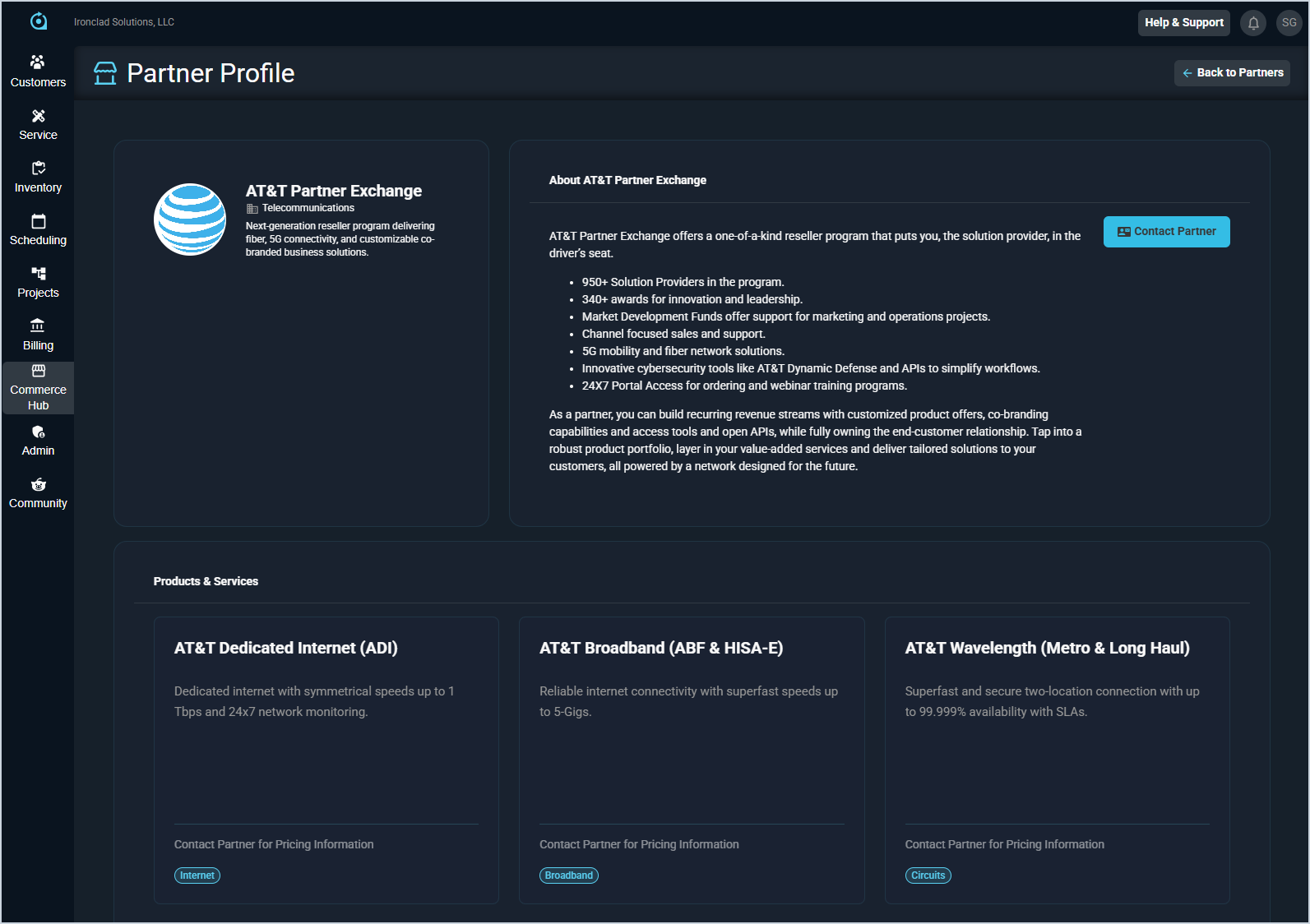
The Partner Profile screen provides comprehensive information about a specific partner in the Commerce Hub. From this screen, you can review the partner’s description and About section to learn more about their organization, offerings, and focus areas. You can also browse their available products and services, including pricing when applicable, to evaluate potential solutions and determine which offerings best meet your business needs.
The Contact Partner button allows you to connect directly with the partner to move forward with their products or services. In most cases, clicking this button redirects you to the partner’s website, where you can place your order or submit an inquiry. For AT&T, this option opens your default mail application with the partner’s contact information so you can send them an email. In the future, contacting and purchasing from partners will be supported directly within the application for a more streamlined experience.