Error Definitions
Most errors you could encounter in the Rev.io platform display as a pop-up message in the lower-right corner of the screen. In some cases, however, the system will redirect you to a dedicated error page, typically for issues like missing permissions or a 404 error, where you can return to the home screen and potentially resolve the issue before continuing. See below for some examples of errors you might encounter while using the system.
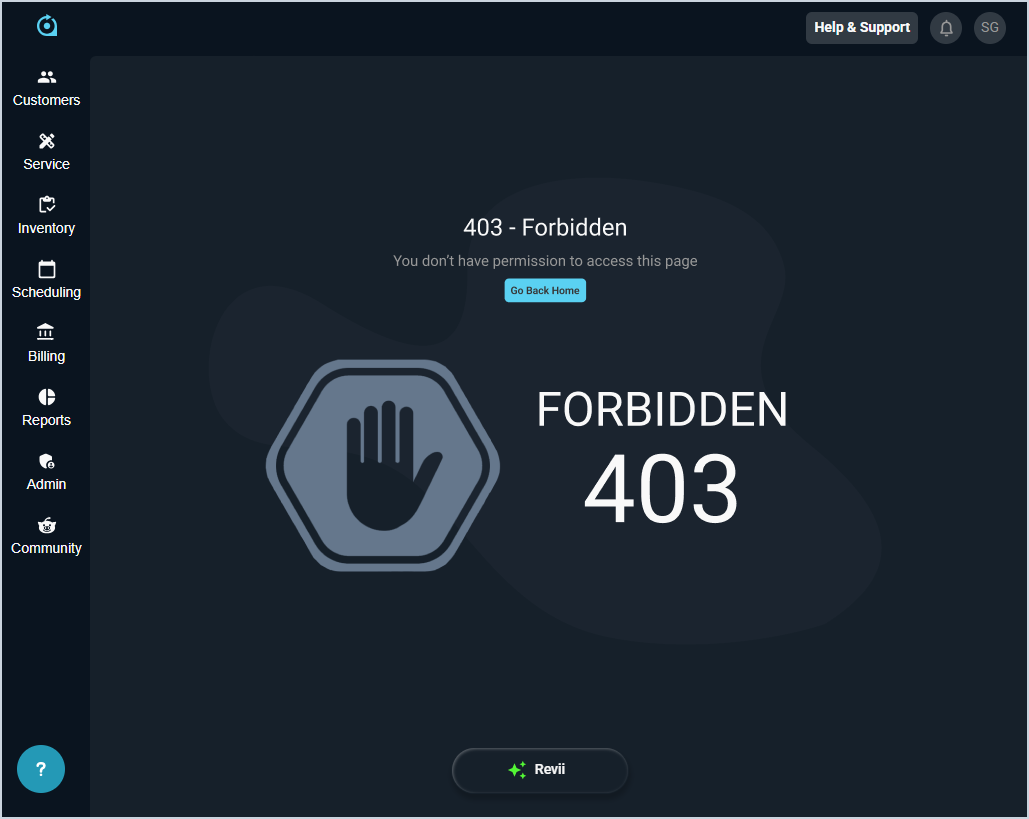
403: Forbidden
If you attempt to perform an action without the required permissions, the system will display a 403 - Forbidden error screen. This message indicates that you don’t currently have permissions for the feature or action you were trying to use. To resolve the issue, contact your system administrator to confirm and update your permissions as needed.