Hudu Integration: Configuration
| NOTE: An authorized user account is required to run this integration. To support better security and audit visibility, we recommend creating a dedicated "service account" user. When configuring this integration, sign in using the service account rather than your personal user account to ensure that audit logs reflect the service account running the integration instead of the user who originally installed it. |
Complete the steps below to configure the Hudu integration.
| NOTE: Before starting the configuration steps below, be sure you have completed the required prerequisite steps. See the Hudu Integration: Prerequisites article for more information. |
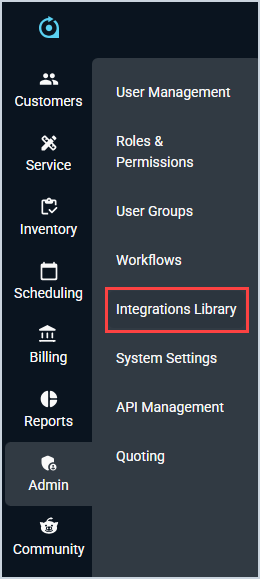
- Click Admin on the sidebar menu and select Integrations Library.
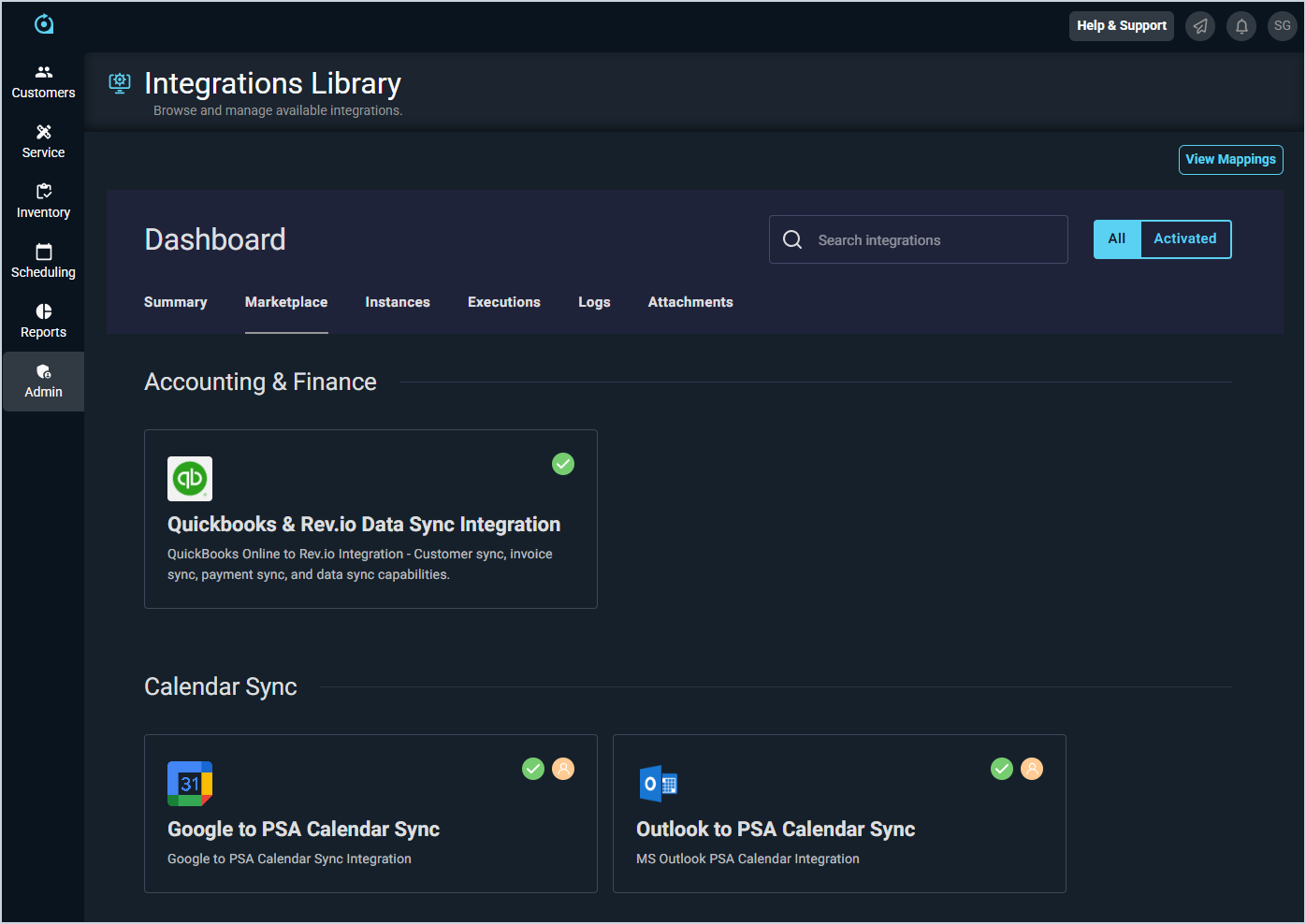
- Click the Marketplace tab.
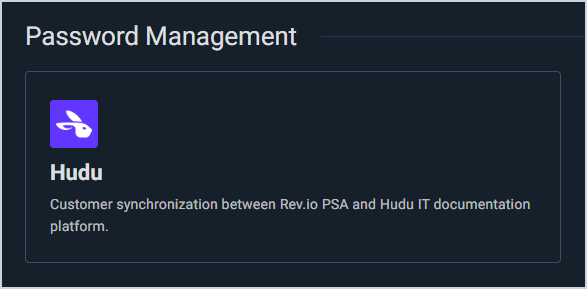
- Locate and select the Hudu integration in the Password Management section.
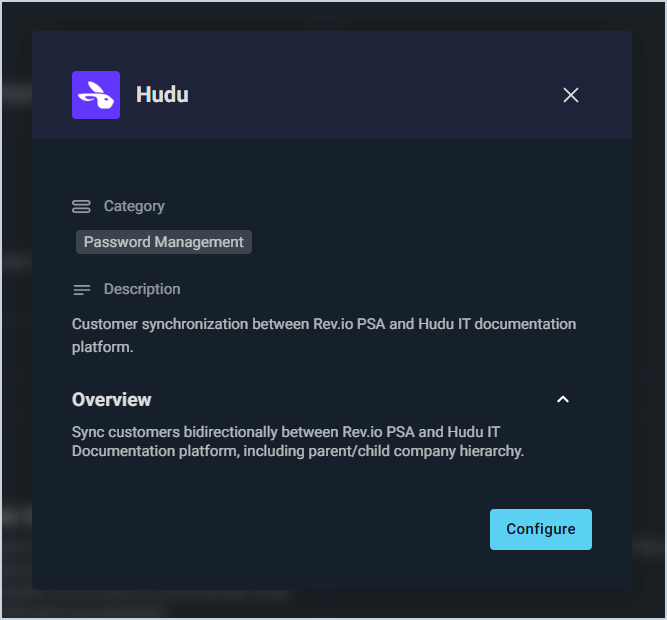
- Click the Configure button.
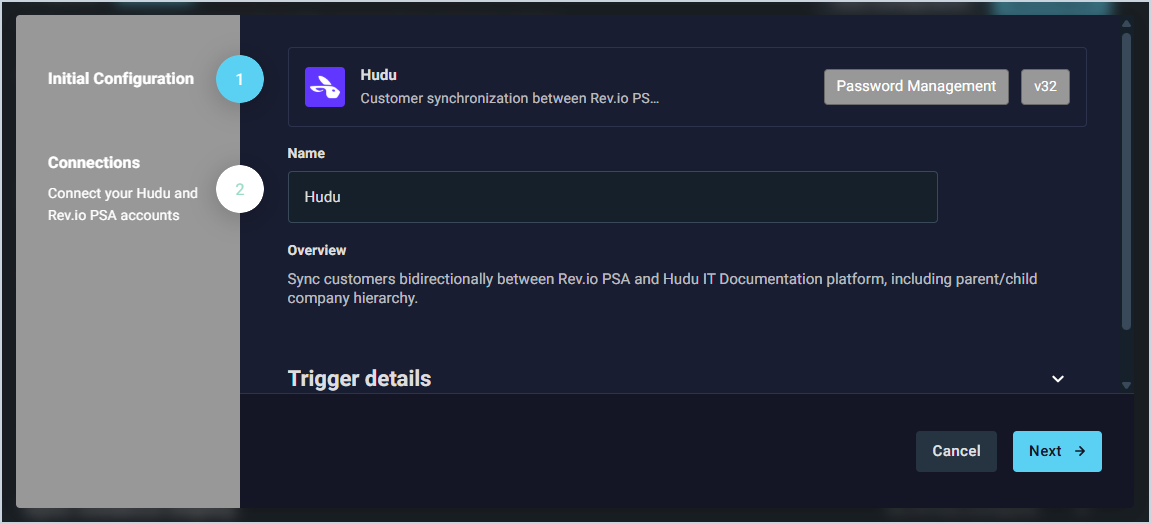
- The Initial Configuration section is automatically populated. Click the Next button.
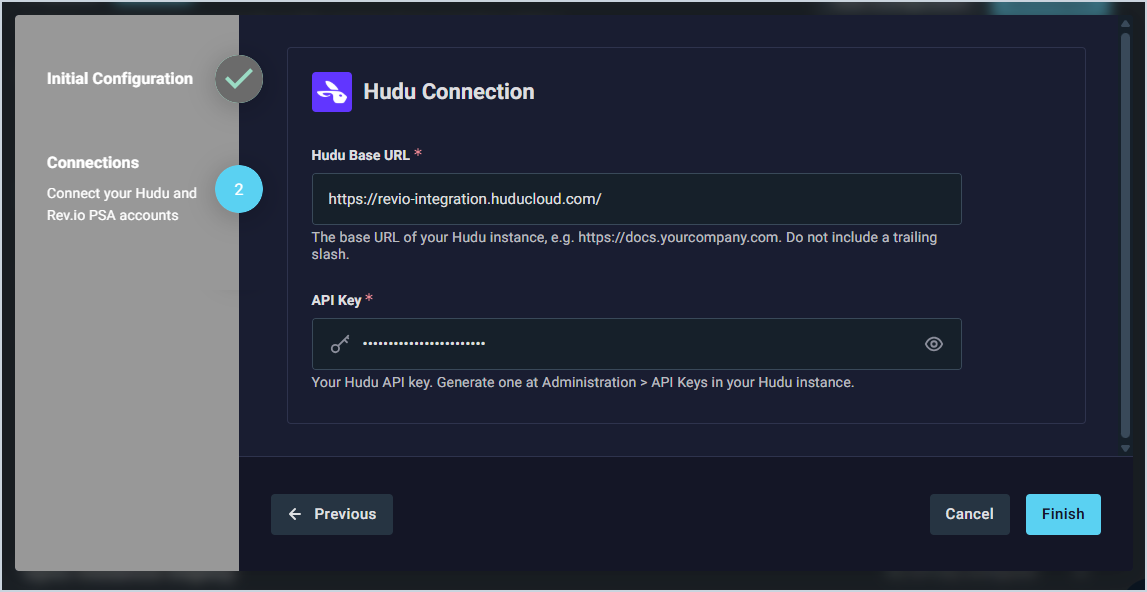
- Enter the URL for your Hudu instance in the Hudu Base URL field, and then enter your API Key from Hudu. See the Hudu Integration: Prerequisites article for steps on generating your API key. Then, click the Finish button.
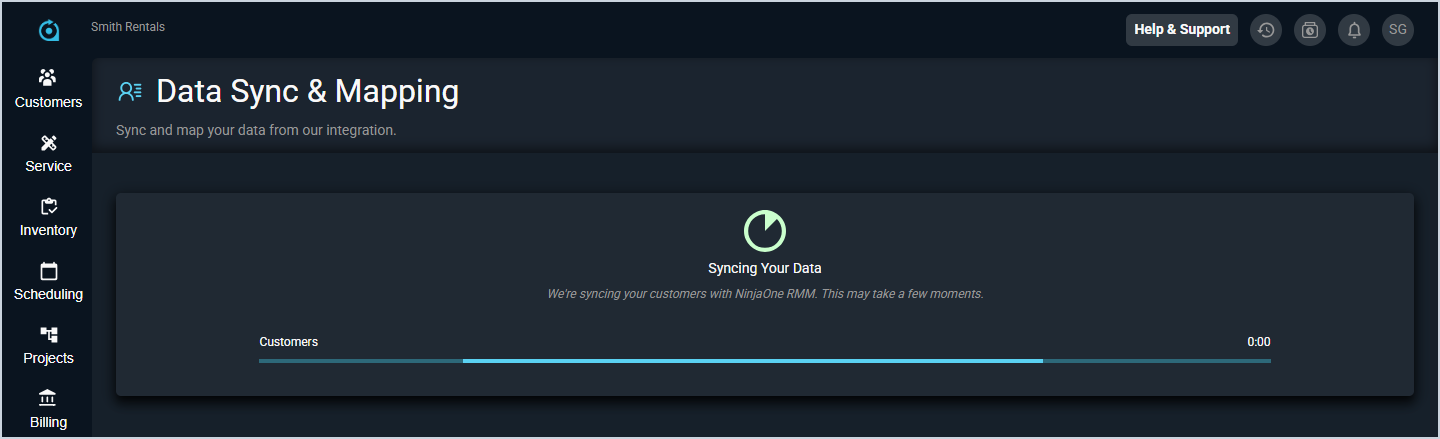
- The integration will begin syncing your customers. Do not leave this page while the sync is running. If you need to work on something in the system while the integration syncs, open Rev.io in another tab.
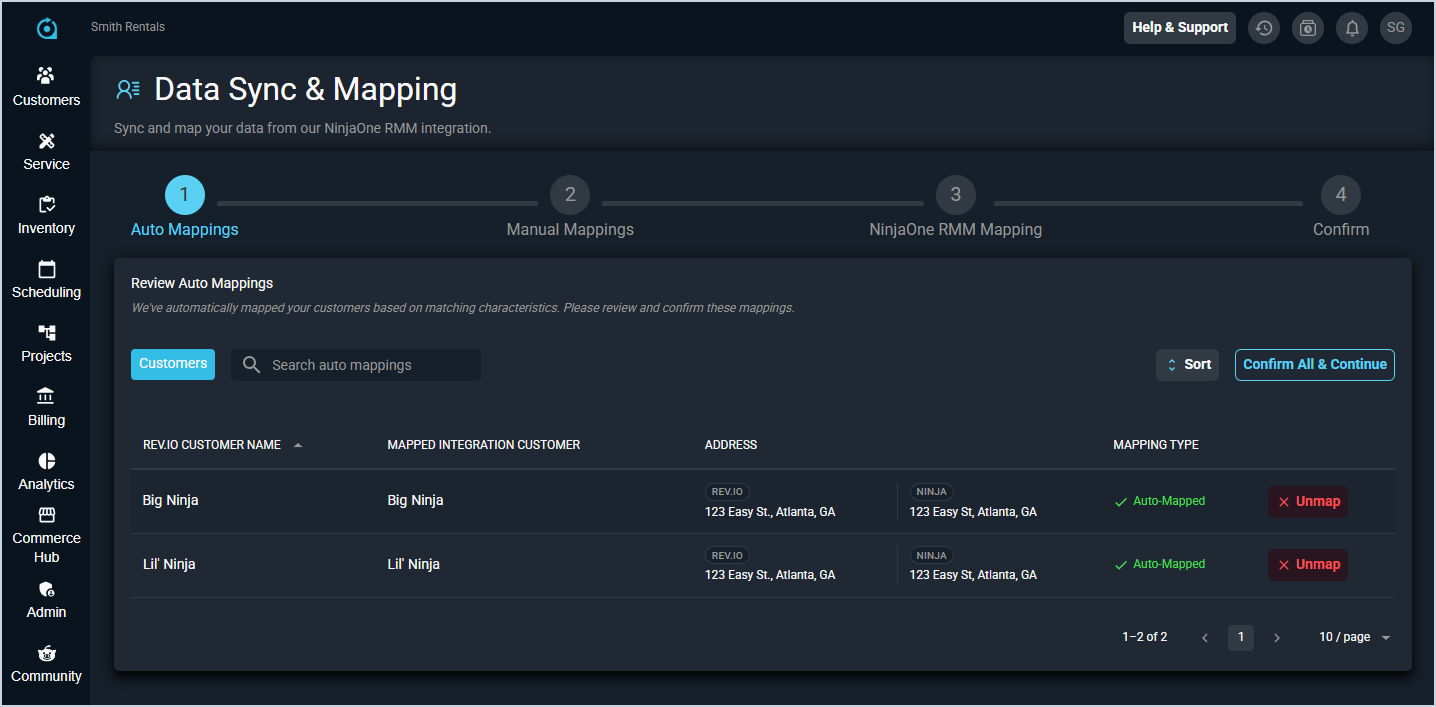
- Complete the process to sync your data with Hudu. See the Integrations Library: Data Sync & Mapping article for more information about mapping your customers for Hudu.
- Complete the required steps in Hudu to set up the webhook that notifies Rev.io when a company record changes in Hudu. See the Hudu Integration: Additional Steps article for more information.
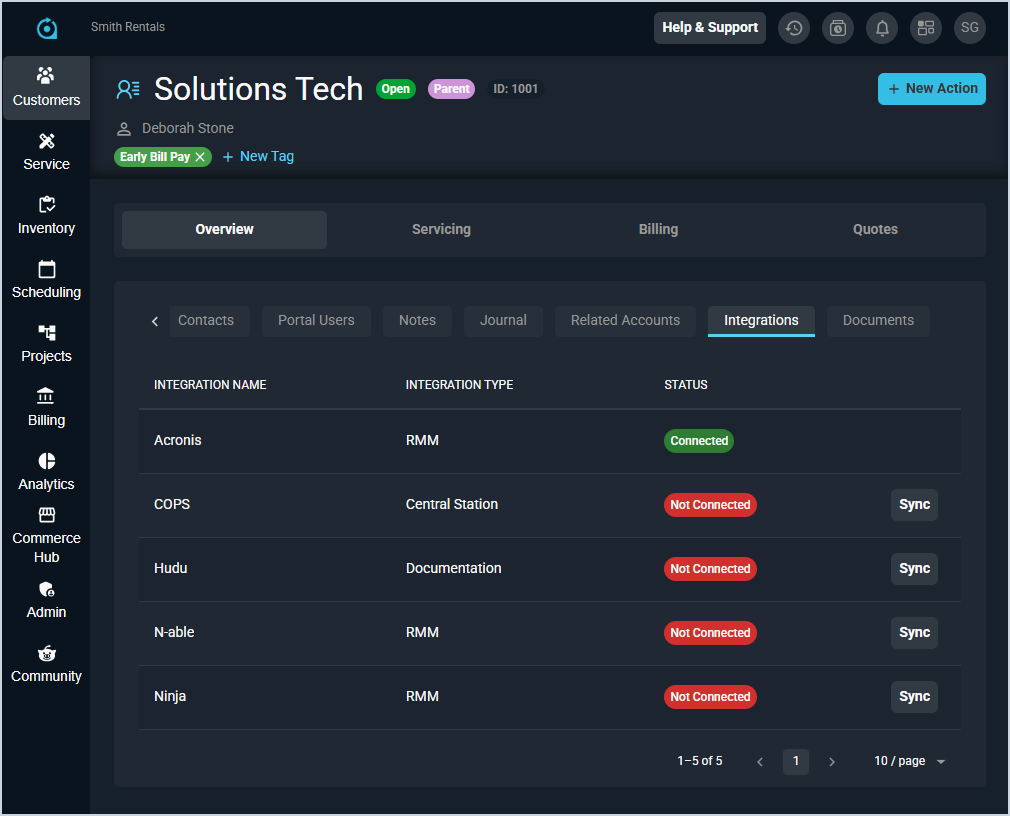
- To sync new customers with Hudu, open the Integrations tab on the customer profile screen and click the Sync button for the Hudu integration. To deactivate a customer's Hudu sync, you'll need to remove the sync manually from both Rev.io and Hudu.