Completing Purchase Orders
Completing a purchase order effectively closes it, preventing any additional items from being added while keeping the order available in read-only mode for historical reference. A purchase order can only be completed once all items on the order have been received.
There are 3 main ways a purchase order can be marked as completed once all products have been received:
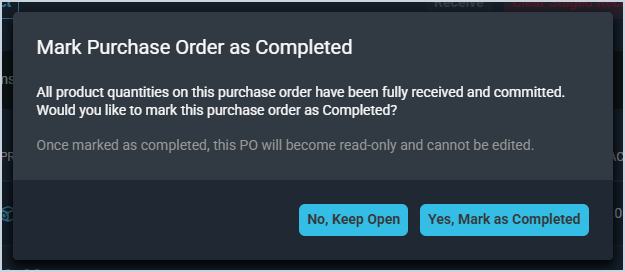
- Selecting Yes, Mark as Completed on the confirmation pop-up
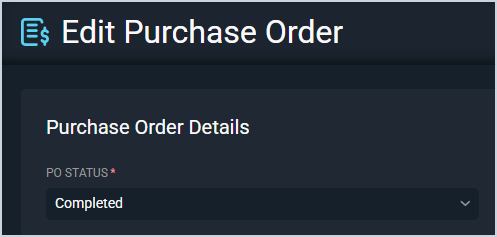
- Editing the purchase order and changing the Status to Completed
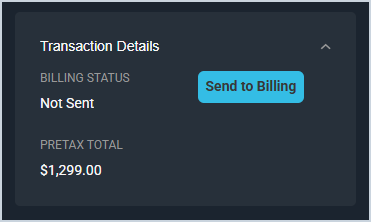
- If all items on the purchase order are associated with a ticket, clicking Send to Billing on that ticket
NOTE: This option is only applicable if you do not have inventory management enabled in your instance.