TD Synnex Integration: Configuration
| NOTE: An authorized user account is required to run this integration. To support better security and audit visibility, we recommend creating a dedicated "service account" user. When configuring this integration, sign in using the service account rather than your personal user account to ensure that audit logs reflect the service account running the integration instead of the user who originally installed it. |
Complete the steps below to configure the TD Synnex integration.
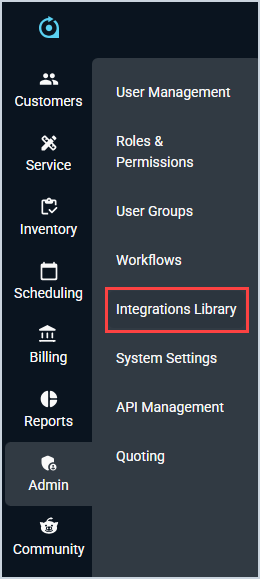
- Click Admin on the sidebar menu and select Integrations Library.
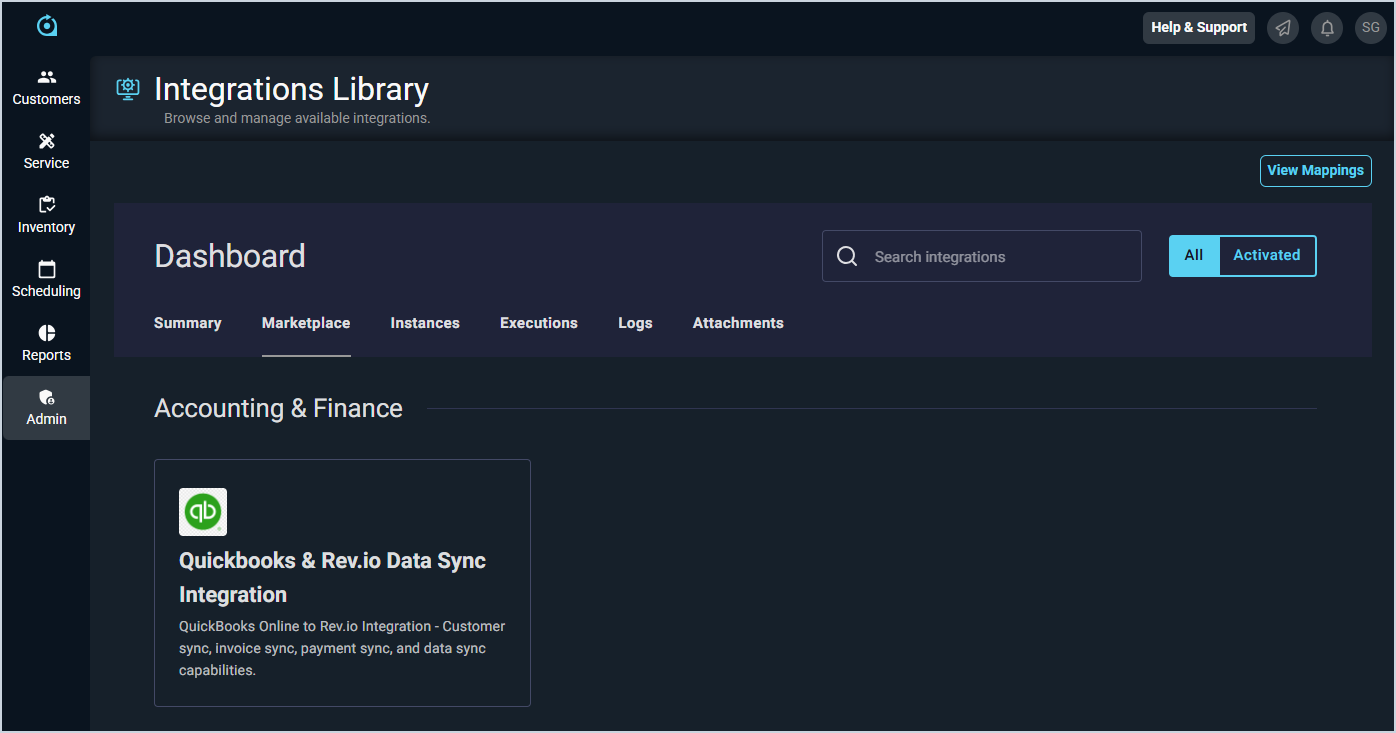
- Click the Marketplace tab.
- Locate and select the TD Synnex integration in the Distribution section.
- Click the Configure button.
- The Initial Configuration section is automatically populated. Click the Next button.
- In the TD Synnex Connection section, enter the URL for your TD Synnex instance in the Base URL field. Then, enter your Customer Number, Username, and Password for TD Synnex and click the Finish button.
- The integration will run its initial cost sync, updating Estimated Cost values on the Purchasing tab for products in your catalog that already have TD Synnex listed as a vendor and a valid TD Synnex SKU.