Rev.io Mobile App: Logging In
Logging into the Rev.io Mobile app follows a similar process to logging into the Rev.io web application. Follow the steps below to log into the application.
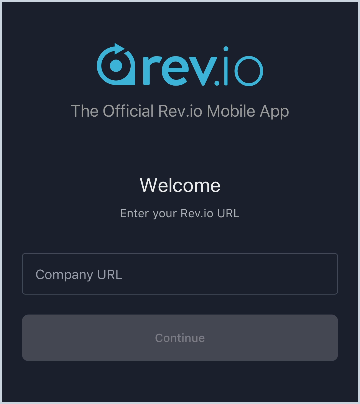
- Enter the URL where you access Rev.io in your browser and click Continue. You will only need to complete this step the first time you log in unless you clear the cache or uninstall the app.
Example: companyname.psarev.io.
- Click the Sign In button. You will be redirected to the Rev.io login screen.
- Enter your Rev.io Username and Password. Then, click the Login button.
- Complete the 2-step verification via email, text, or phone call.
- Once you've successfully logged in, the Calendar displays. If you experience any issues with your login, contact our support team.