Custom Fields Manager: Overview
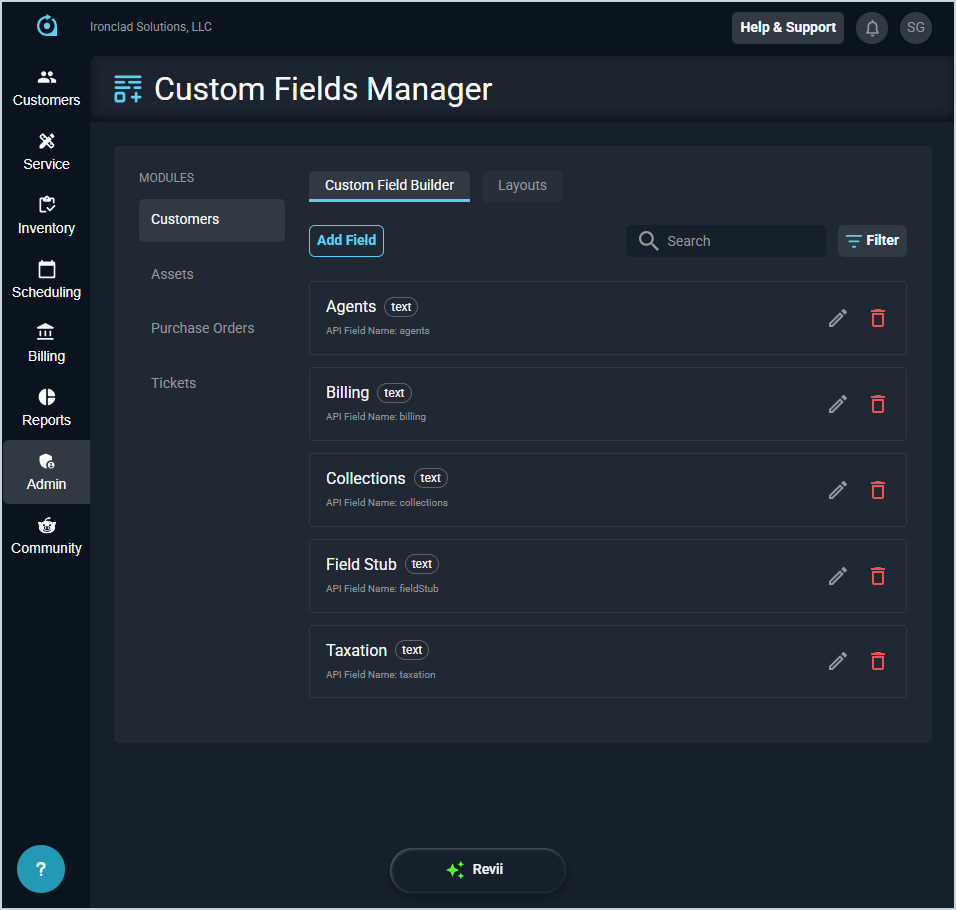
The Custom Fields Manager allows you to create and manage custom fields that appear throughout the application, giving you greater flexibility to capture and organize the data that matters most to your business. You can define field types and values, set options such as minimum and maximum limits, and control where fields are displayed using layout settings. Supported field types include text, text area, number, date, dropdown, multi-select, and checkbox.
The Custom Fields Manager allows you to select the area of the system where you want to configure custom fields in the Modules side pane. From there, you can manage custom fields for that area using the Custom Field Builder and Layouts tabs. See the Custom Fields Manager: Custom Field Builder and Custom Fields Manager: Layouts articles for more information.
| NOTE: Some custom fields are only available in PSA or classic Billing and are not accessible in the other application. |