
View Role Details
The View Role screen allows you to view details for individual roles, including name, description, and permissions. A 'role' in Rev.io is a defined set of permissions that can be assigned to any user in your database.
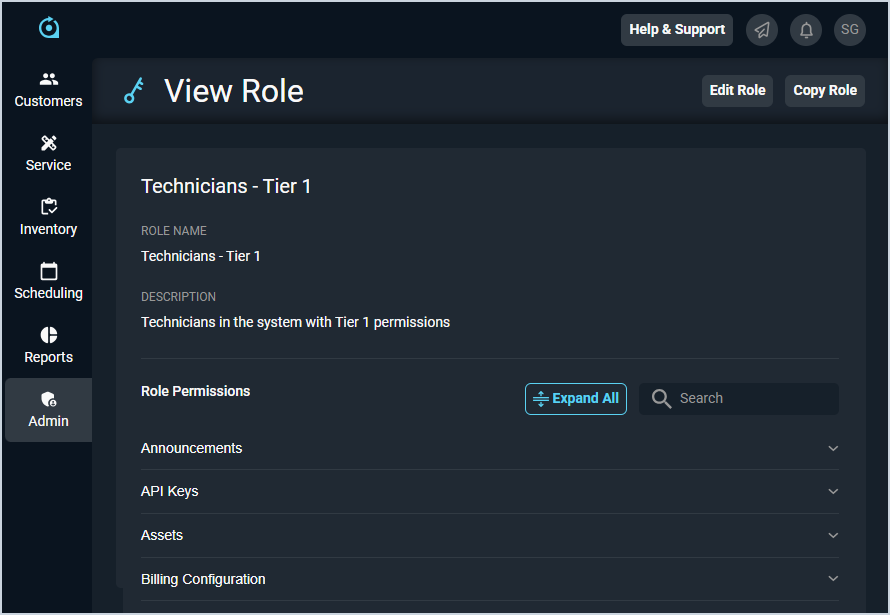
Each field on the View Role screen is defined below.
| Label | Definition |
| Role Name | Name of the role. |
| Description | Description for the role. |
| Role Permissions | View whether users in the role can perform certain actions. For information on permissions in Rev.io, see the Available Permissions article. |
These actions are available on the View Role screen.
- Edit the role by clicking the Edit Role button at the top of the screen. See the Add/Edit Roles article for more information.
- View permissions available to the user by clicking the Expand All button in the Role Permissions section.