Add/Edit Project Work
The Add Work button lets you quickly add work to a project by creating a new ticket or task, or by linking existing tickets and tasks. This makes it easy to associate all related work with the project and keep everything organized in one place.
Click the Add Work button and select one of the following options to add work on the project: Create New Ticket, Link Existing Ticket, Create New Task, and Link Existing Task.
Creating New Tickets and Tasks
Select the Create New Ticket or Create New Task option to create new work items for the project.
Creating New Tickets
See the Create/Edit Tickets article for more information on creating tickets. Tickets created from the Work tab on the Project Details screen are automatically linked to the project. When creating the ticket, select the appropriate project phase from the Phase dropdown to link the ticket to a specific phase of the project.
Creating New Tasks
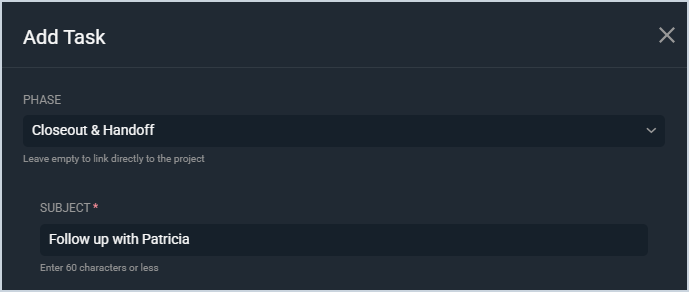
See the Create/Edit Calendar Items article for more information on creating tasks. Tasks created from the Work tab on the Project Details screen are automatically linked to the project. Additionally, when creating the task, simply select the appropriate project phase from the Phase dropdown to link the task to a specific phase of the project.
Linking Existing Tickets and Tasks
Select the Link Existing Ticket or Link Existing Task option to link existing work items to the project.
Linking Existing Tickets
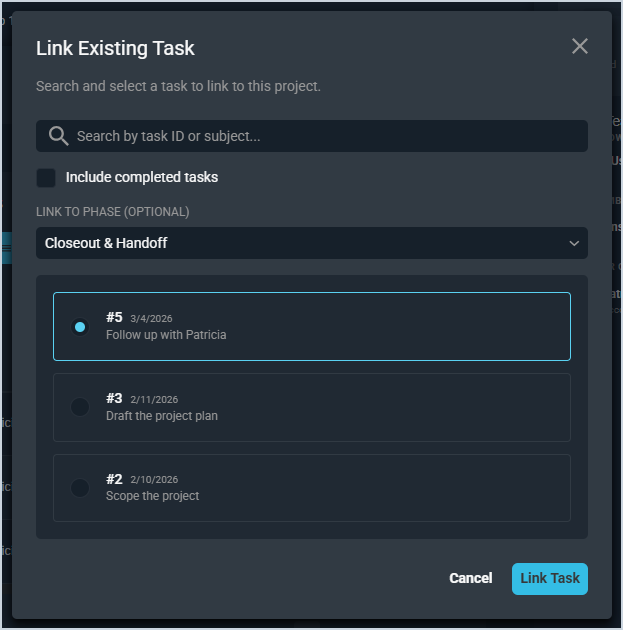
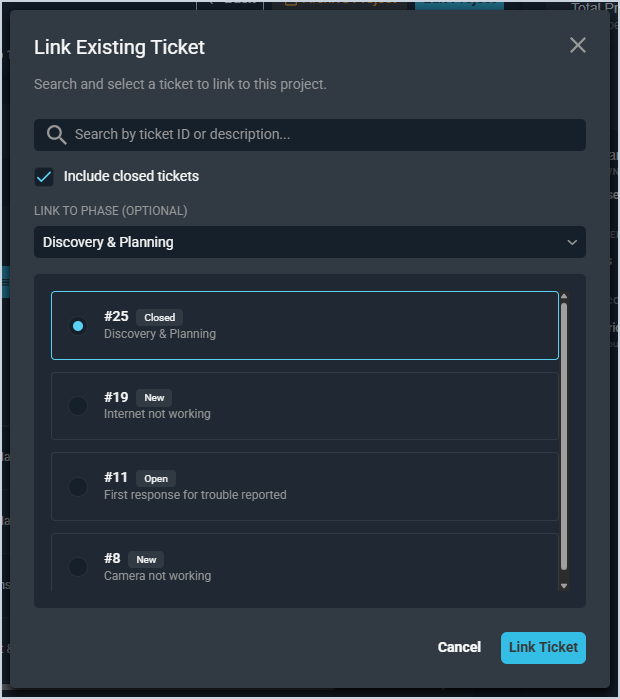
Simply search for and select the specific ticket you want to link to the project, select the appropriate phase from the Link to Phase dropdown, and click the Link Ticket button to add an existing ticket to the project.
Linking Existing Tasks
Simply search for and select the specific task you want to link to the project, select the appropriate phase from the Link to Phase dropdown, and click the Link Task button to add an existing task to the project.