Customer Portal Configuration
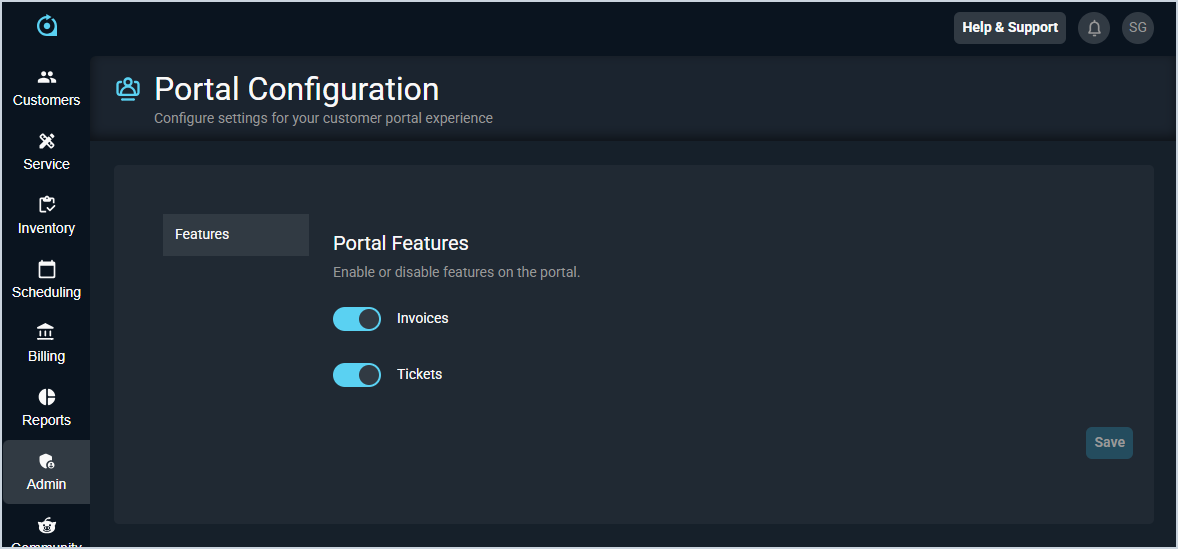
The Portal Configuration screen allow you to manage the settings that control your customers’ experience in the customer portal. From this screen, you can configure options that determine whether customers can manage invoices and tickets in the portal. These settings allow you to tailor portal functionality to align with your organization’s workflows and customer access requirements.
The options in the Portal Features section control whether specific items display in the portal for your customers. The Invoices option allows your customers to view and export invoices, pay their bills, and manage payment methods on their account. The Tickets option allows your customers to create new tickets, view and export existing tickets, and communicate with your technicians using ticket activity notes. If either option is unchecked in this section, the related functionality will be unavailable in your customer portal.