
Signals & Sends List View
The Signals & Sends screen lets you deliver your Analytics data by email, so you get the information you need without opening Rev.io. To open it, click Analytics in the sidebar menu and select Signal & Send. This screen requires the Signal & Sends permission. See the Analytics Permissions article for more information.
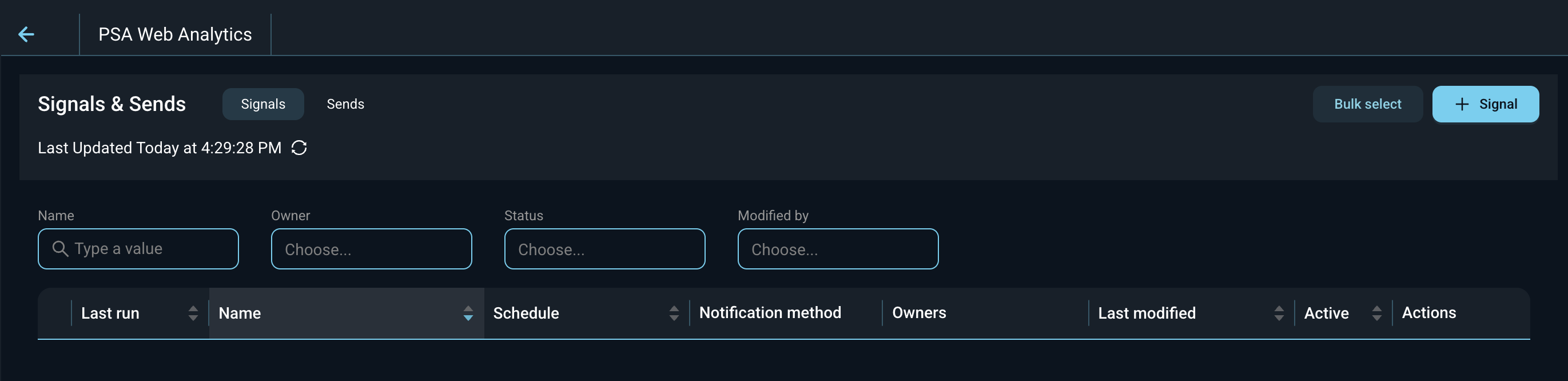
The screen has two tabs.
- Signals. A signal checks your data on a schedule and emails you only when it meets a condition you set. For example, email me when there are 12 or more open high-priority tickets.
- Sends. A send emails a chart or dashboard on a schedule, every time. For example, email me a list of unassigned tickets at 8:00 AM every weekday.
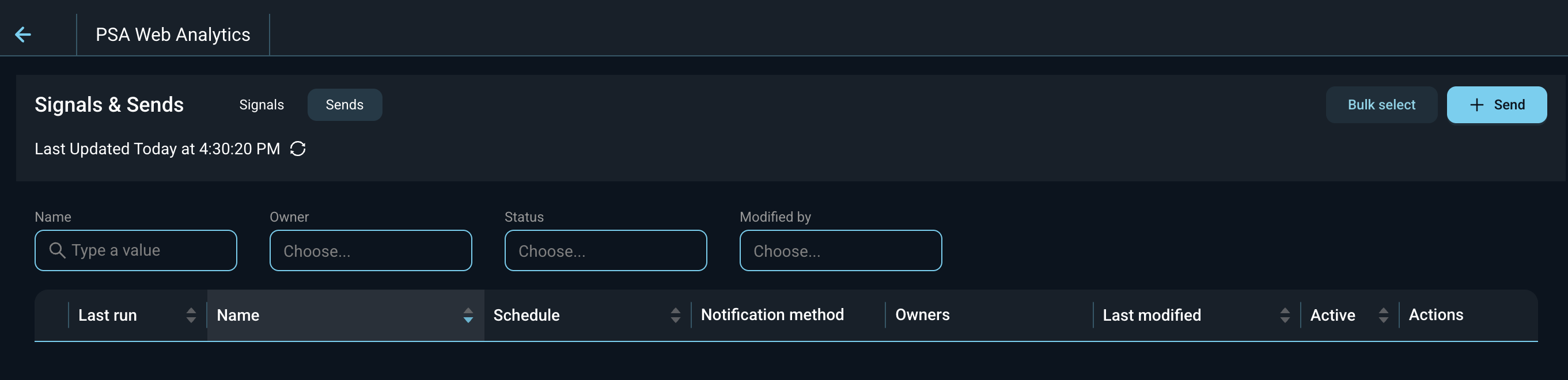
Each column on the Signals and Sends tabs is defined below.
| Label | Definition |
| Last run | Date and time the signal or send last ran. |
| Name | Name of the signal or send. |
| Schedule | How often the signal or send runs. |
| Notification method | How the notification is delivered. Email is the only method available at this time. |
| Owners | Users who own the signal or send. |
| Last modified | Date the signal or send was last changed. |
| Active | Whether the signal or send is active and running on its schedule. |
| Actions | Hover over the row to see the actions available for that signal or send. |
The following actions are available on the Signals & Sends screen.
- Switch between signals and sends by clicking the Signals or Sends tab.
- Add a signal by clicking + Signal on the Signals tab. See the Add/Edit Signals article for more information.
- Add a send by clicking + Send on the Sends tab. See the Add/Edit Sends article for more information.
- Filter the list by entering text or selecting options in the Name, Owner, Status, and Modified by filters.
- Refresh the list by clicking the refresh icon next to Last Updated.
- Select multiple signals or sends by clicking Bulk select.
- Sort the list by clicking a column label in the table header.
You can also ask Revii in Data Analytics mode to set up a signal or send for you, or to tell you which signals and sends are already set up. See the AI-Powered: Building in Analytics with Revii article for more information.