
View Asset: Overview Tab
The Overview tab on the asset detail view displays the core details of the asset, organized across four sub-tabs: Asset Description, Manufacturer Info, Device Details, and Additional Information.
Asset Description Tab
The Asset Description tab displays the primary identifying information for the asset.
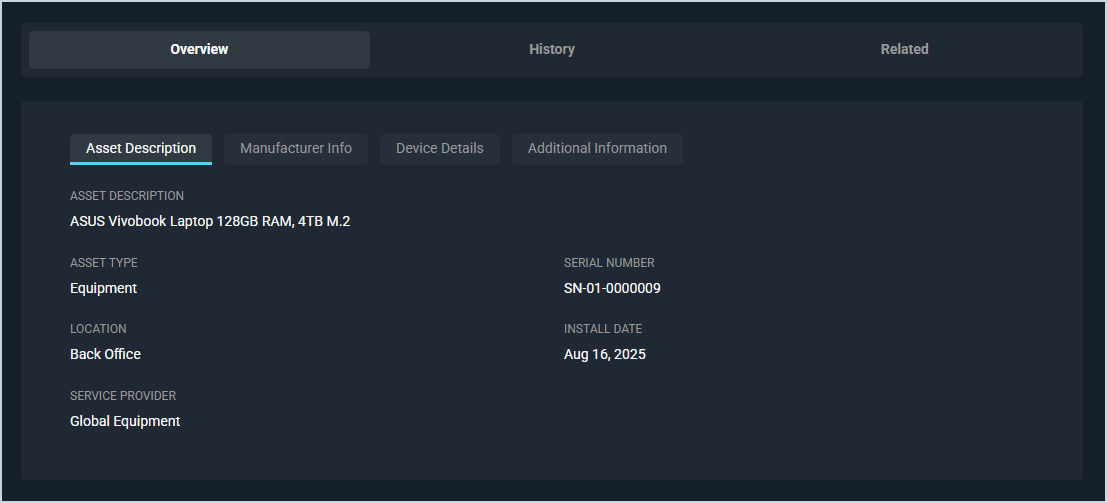
Each field on the Asset Description tab is defined below.
| No. | Label | Definition |
|---|---|---|
| 1 | Asset Description | Description of the asset. |
| 2 | Asset Type | Type of asset, such as Equipment or License. |
| 3 | Serial Number | Serial number of the asset. |
| 4 | Location | Physical location of the asset. |
| 5 | Install Date | Date the asset was installed. |
| 6 | Service Provider | Provider responsible for servicing the asset. |
Manufacturer Info Tab
The Manufacturer Info tab displays purchasing and warranty information for the asset.
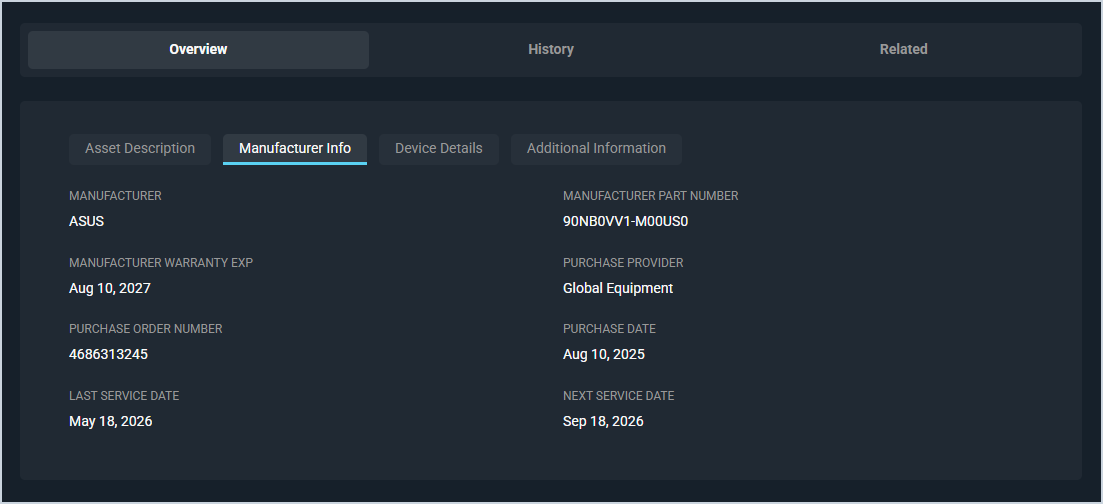
Each field on the Manufacturer Info tab is defined below.
| No. | Label | Definition |
|---|---|---|
| 1 | Manufacturer | Manufacturer of the asset. |
| 2 | Manufacturer Part Number | Manufacturer part number or SKU for the asset. |
| 3 | Manufacturer Warranty Exp | Date the manufacturer warranty expires. |
| 4 | Purchase Provider | Provider from whom the asset was purchased. |
| 5 | Purchase Order Number | Purchase order number associated with the asset purchase. |
| 6 | Purchase Date | Date the asset was purchased. |
| 7 | Last Service Date | Date the asset was last serviced. |
| 8 | Next Service Date | Date the asset is next scheduled for service. |
Device Details Tab
The Device Details tab displays technical information about the asset, typically populated by an RMM integration or entered manually.
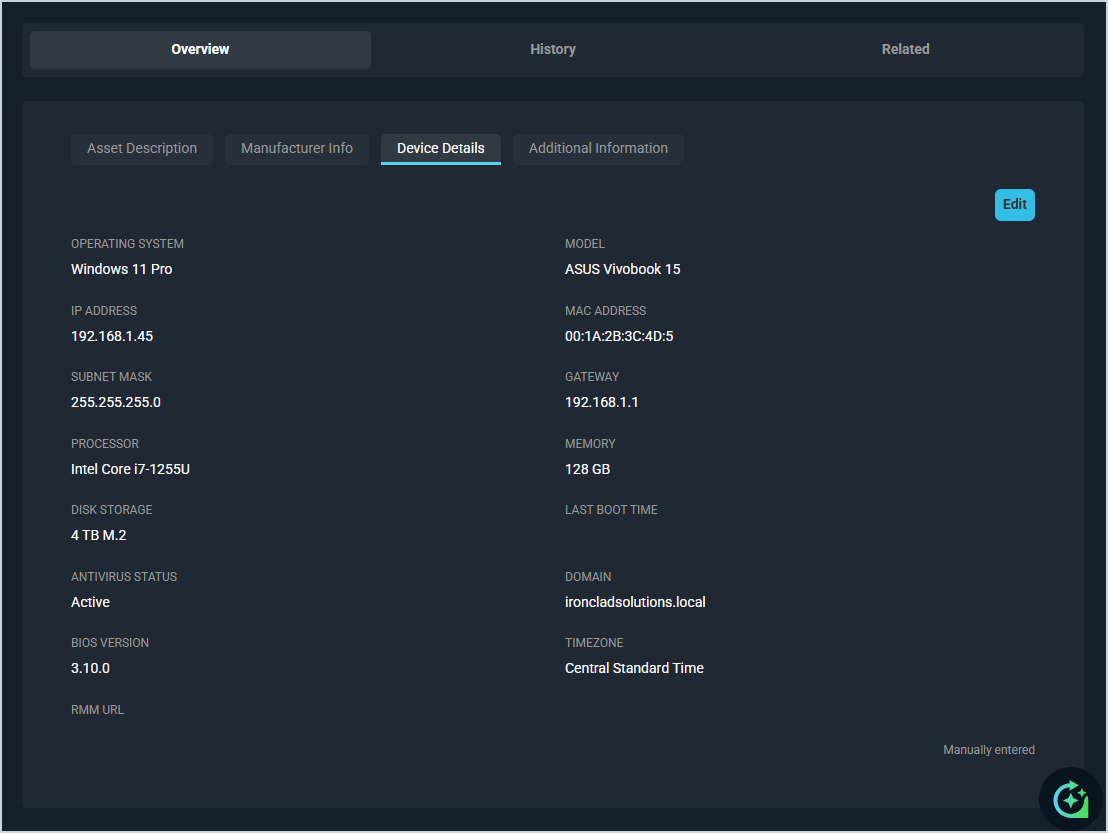
Each field on the Device Details tab is defined below.
| No. | Label | Definition |
|---|---|---|
| 1 | Operating System | Operating system installed on the device. |
| 2 | Model | Model name or number of the device. |
| 3 | IP Address | IP address of the device. |
| 4 | MAC Address | MAC address of the device. |
| 5 | Subnet Mask | Subnet mask of the device. |
| 6 | Gateway | Default gateway of the device. |
| 7 | Processor | Processor installed in the device. |
| 8 | Memory | Amount of RAM installed in the device. |
| 9 | Disk Storage | Storage capacity of the device. |
| 10 | Last Boot Time | Date and time the device was last restarted. |
| 11 | Antivirus Status | Current status of antivirus software on the device. |
| 12 | Domain | Domain the device is joined to. |
| 13 | BIOS Version | BIOS version installed on the device. |
| 14 | Timezone | Timezone configured on the device. |
| 15 | RMM URL | Direct link to this asset in your RMM portal. |
The following actions are available on the Device Details tab.
- Edit the device details by clicking the Edit button.
Additional Information Tab
The Additional Information tab displays custom fields and firmware information for the asset.
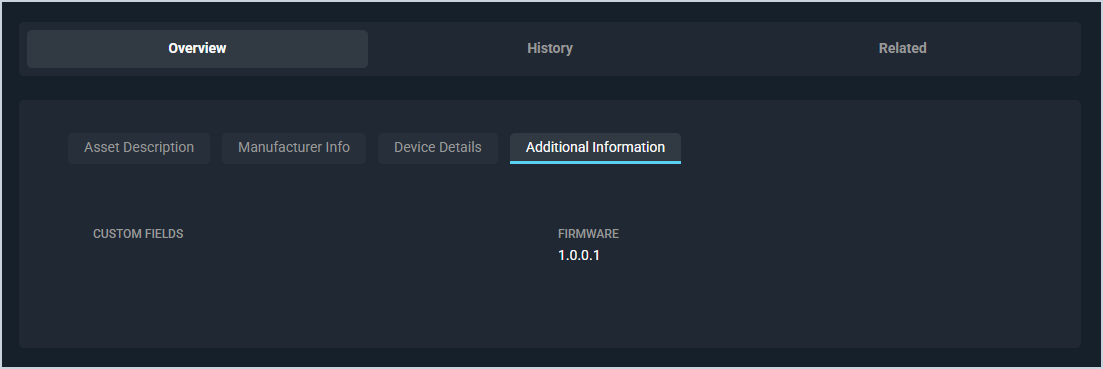
Each field on the Additional Information tab is defined below.
| No. | Label | Definition |
|---|---|---|
| 1 | Custom Fields | Any custom fields configured for assets in your instance. |
Tabs on the Asset Detail View
For information on other tabs on the asset detail view, see the related articles.