
Create/Edit Proposal Templates
Rev.io provides a few default proposal templates, which are available for use in your instance immediately. You can modify these templates directly when creating individual quotes, or you can define your own templates from the Proposal Templates list view, accessible by navigating to Admin > Quotes > Proposal Templates tab. Creating proposal templates allows you to standardize the look and feel of your quotes to present information cohesively and professionally to your customers.
| IMPORTANT: Proposal templates must include a role named Client. This role is required for proposals to be created from a quote and should not be removed or renamed. The Client role can be designated as either a Signer or CC. If you receive an error when attempting to create a proposal, confirm that your template includes a role named Client. |
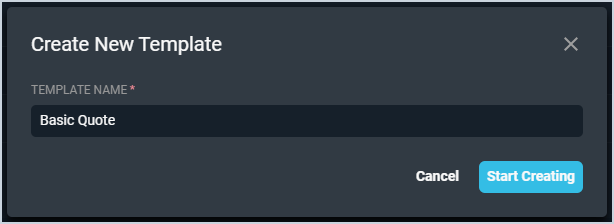
From the Proposals Templates list view, click the Create Template button to open the Create New Template window. Then, enter a Template Name for your new proposal template and click the Start Creating button.
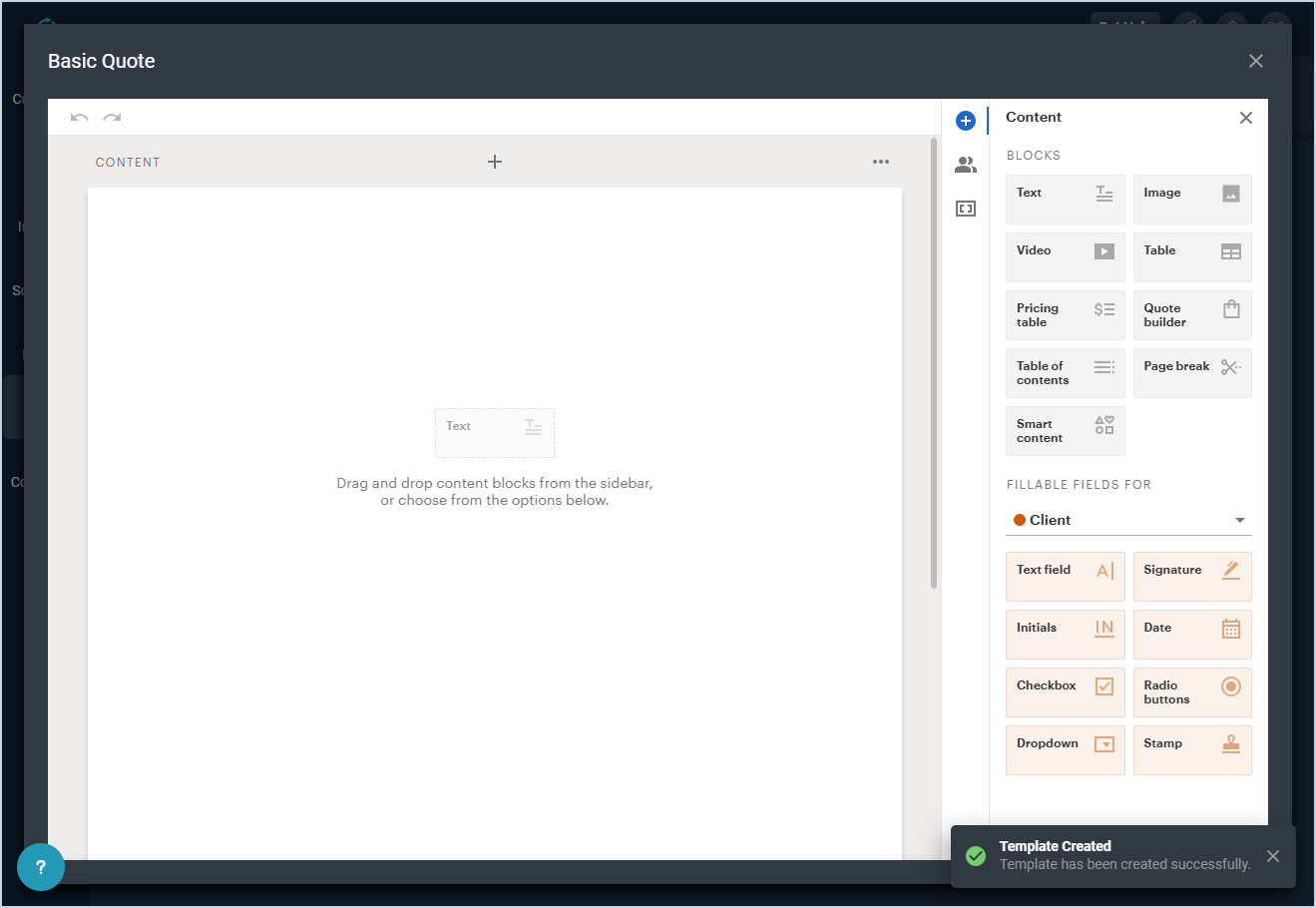
Within the proposal editor, you can select from a library of proposal components. Simply click a component on the Content side panel to add it to your proposal template. You can drag and drop the components right where you want them.
| NOTE: When adding products to proposals, you can only search using Product Name or Product ID. |
For more information on customizing the appearance and layout of your proposals using the proposal editor, see the Creating Quotes Templates video.