
View Asset: Stage
The Stage panel on the right side of the Asset Details screen allows you to view additional details for the asset.
| Basic information for the asset displays on the main Asset Details screen. See the View Asset: Details article for more information. |
Whether or not the stage displays on the Asset Details screen is controlled by the Show the Stage/Hide the Stage icon in the top toolbar.
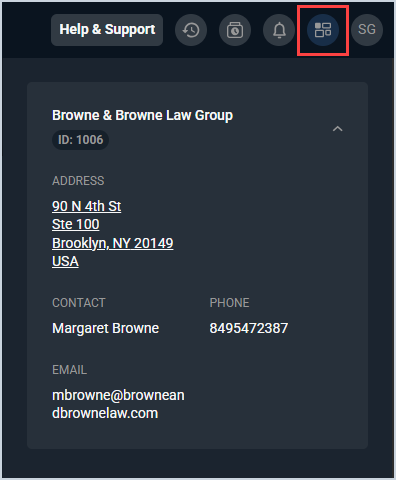
Each field on the asset Stage is defined below. Each section within the stage displays collapsed for easy navigation.
| No. | Label | Definition |
| Customer Information | ||
| 1 | <Customer> | Information for the customer account where the asset belongs. See the Customer Information Section article for more information about the fields on this widget. |
These actions are available on the asset Stage.
- Collapse or expand the Stage side panel by clicking the Stage icon in the top toolbar.