
Serial Number Lookup
The Serial Number Lookup screen in the Inventory Module allows you to search for any serialized inventory item to see its current status, location, and movement history. To access this screen, navigate to the Inventory Module and select Serial Number Lookup. Enter a minimum of 2 characters in the search bar to search for serial numbers. Results update in real time as you type, displaying all matching serialized items in the Search Results list below.
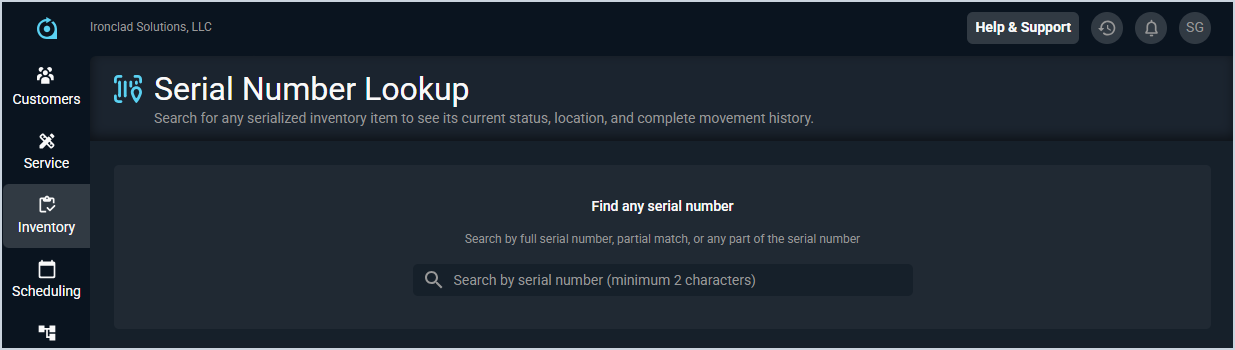
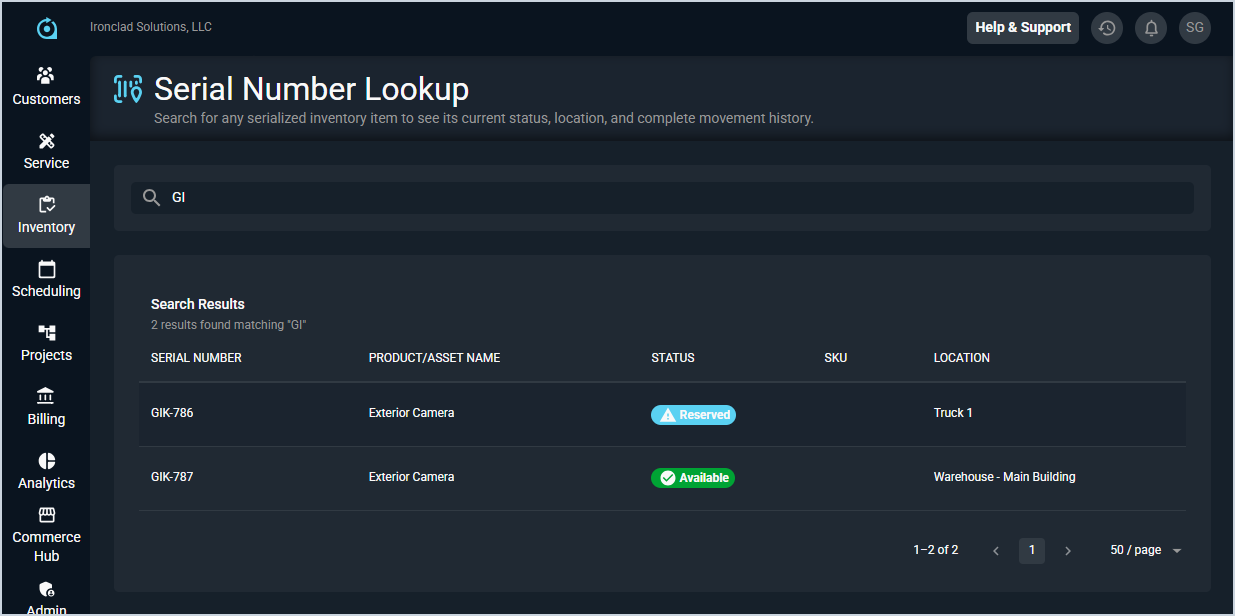
Each field in the Search Results list is defined below.
| No. | Label | Definition |
| 1 | Serial Number | The serial number of the inventory item. |
| 2 | Product/Asset Name | The name of the product or asset associated with the serial number. |
| 3 | Status | The current status of the item. Status options include Available and Reserved. |
| 4 | SKU | The SKU associated with the item, if applicable. |
| 5 | Location | The current location of the item, such as a warehouse or vehicle. |
The following actions are available on the Serial Number Lookup screen.
- Search for a serialized item by entering a full or partial serial number in the search bar. A minimum of 2 characters is required, and results update in real time as you type.
- Click on any result row to view more details about the item, including its current status, location, and complete movement history. See the View Serial Number Details article for more information.