Emailing Purchase Orders
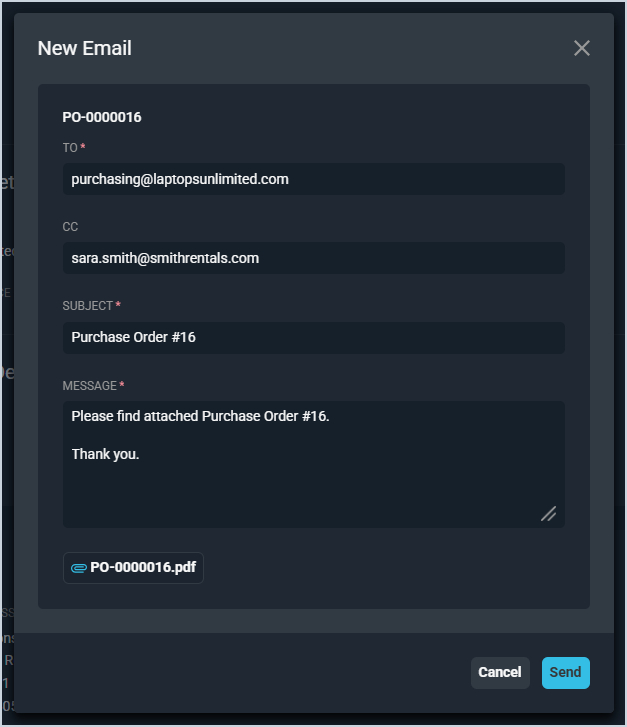
Once a purchase order has been approved, you can send it to the Provider by clicking the Email button on the purchase order. The To field on the New Email window is automatically populated with the provider’s information from their record in Rev.io, and the sender’s email address is added to the CC field for record-keeping purposes. When you click the Send button, the purchase order as a PDF attachment on the email.