
System Settings: System Tables - Leads
The Leads tab in the System Tables category on the System Settings screen allows you to configure the values available in various dropdowns related to leads throughout the system, including lifecycle stages, statuses, ratings, and company sizes.
Lifecycle Stage
The Lifecycle Stage section allows you to manage the lifecycle stages available on lead records.
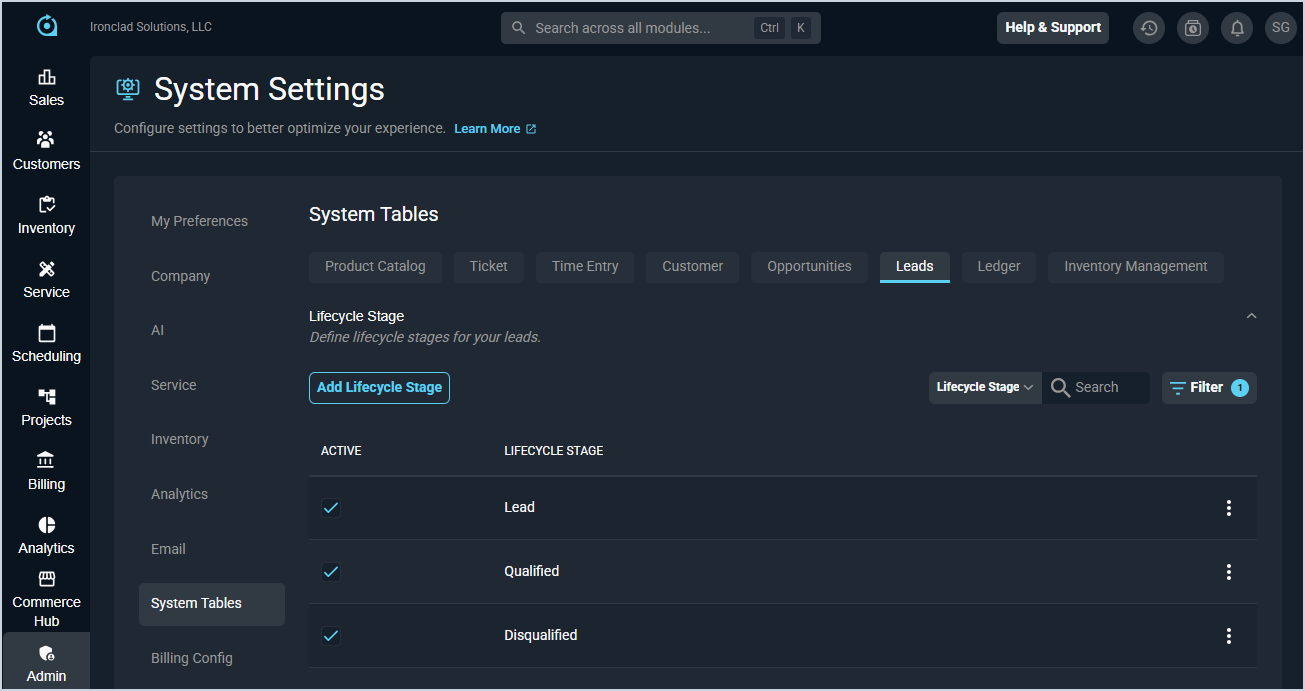
| No. | Label | Definition |
| 1 | Active | A checkmark indicates that the lifecycle stage is active in your instance. |
| 2 | Lifecycle Stage | Name of the lifecycle stage. |
Status
The Status section allows you to manage the statuses available on lead records.
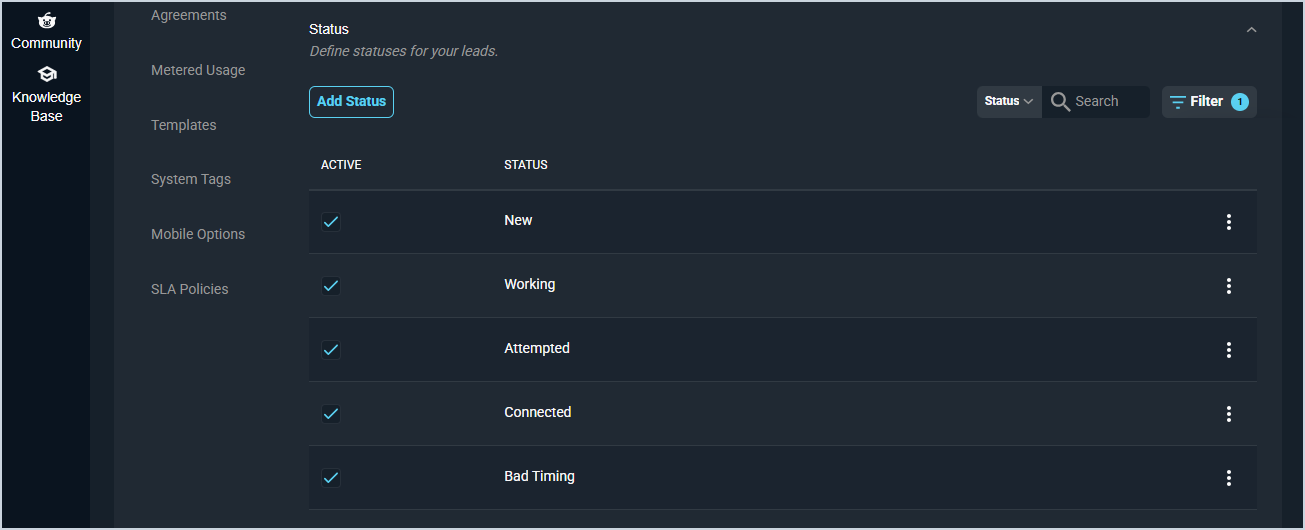
| No. | Label | Definition |
| 1 | Active | A checkmark indicates that the status is active in your instance. |
| 2 | Status | Name of the lead status |
Rating
The Rating section allows you to manage the rating options available on lead records.
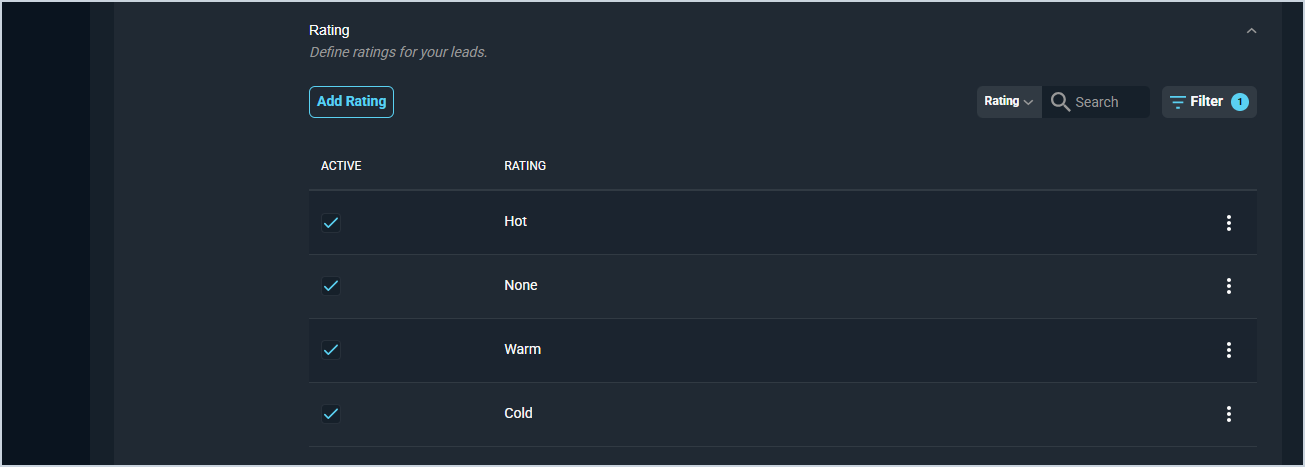
| No. | Label | Definition |
| 1 | Active | A checkmark indicates that the rating is active in your instance. |
| 2 | Rating | Name of the lead rating. |
Company Size
The Company Size section allows you to manage the company size options available on lead records.
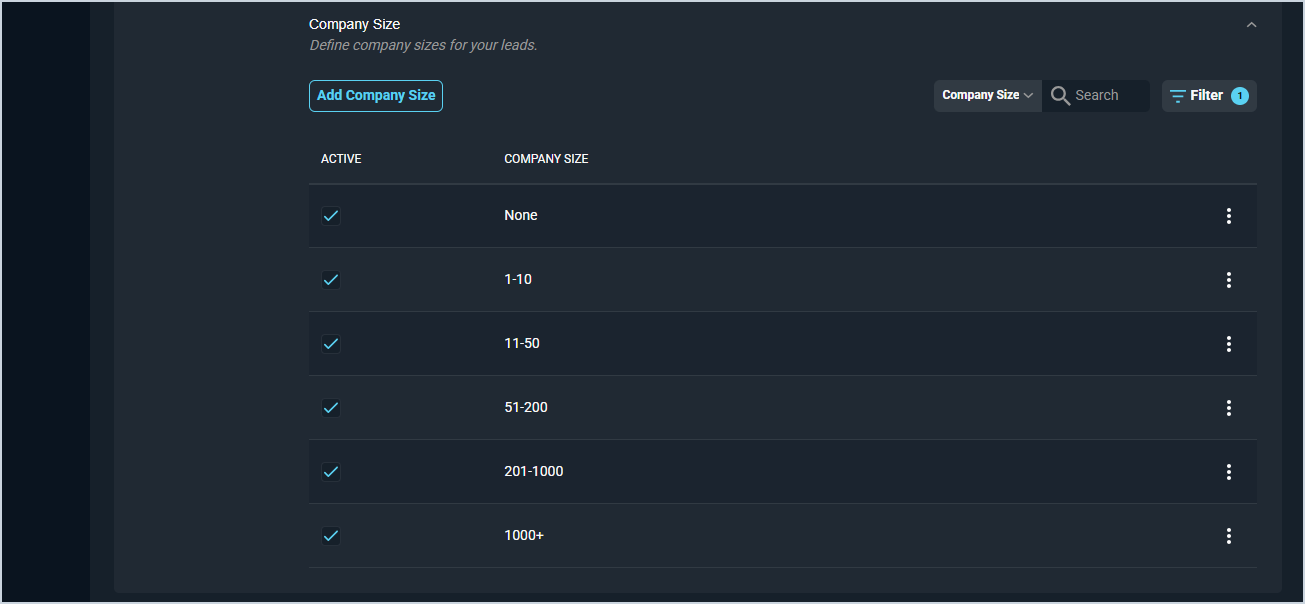
| No. | Label | Definition |
| 1 | Active | A checkmark indicates that the size is active in your instance. |
| 2 | Company Size | Range of the company size option. |
These actions are available on the Leads tab.
- Add a new item to any section by clicking the Add button in that section, completing the desired fields, and clicking Save.
- Search within any section by selecting a column from the dropdown and entering text in the Search field.
- Filter the items in any section by clicking the Filter button.
- Edit an item by clicking the ellipsis at the end of the row and selecting Edit from the menu options.
- Delete an item by clicking the ellipsis at the end of the row and selecting Delete from the menu options. NOTE: You cannot delete an item if it is currently in use in your instance.