
Check out the latest updates in Rev.io as of 7/9/26!
Interested in taking a deep dive on different features in Rev.io? Check out our Power Hour webinar series! New topics are added to the schedule every week.
New Features
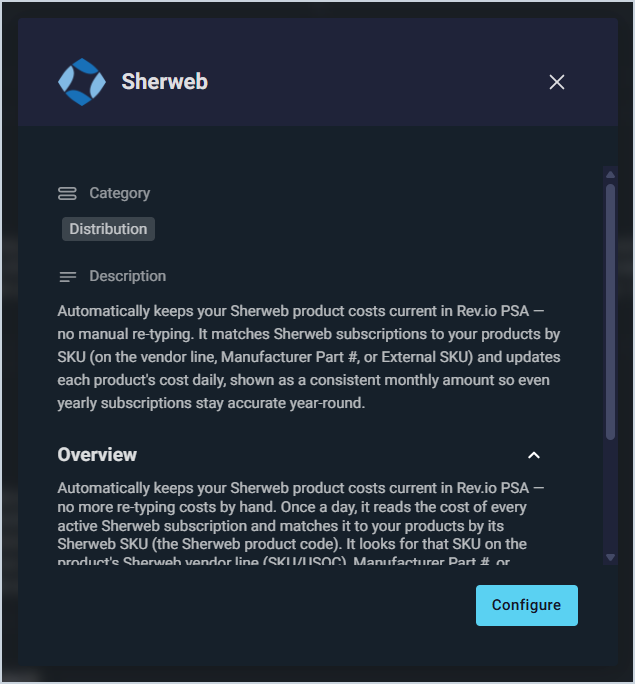
- Rev.io now integrates with Sherweb to automatically sync your Sherweb product costs daily. The integration matches products by Sherweb product code, Manufacturer Part #, or External SKU, and displays all costs as a consistent monthly amount including annual subscriptions. Only Sherweb costs are updated; selling prices, other vendors, and product setup are never affected.
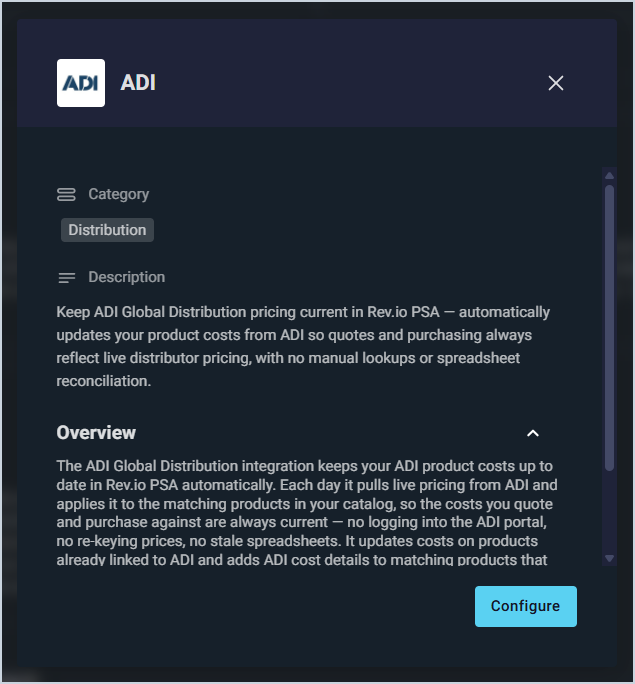
- Rev.io now integrates with ADI to automatically sync live ADI product costs daily. The integration updates costs on products already linked to ADI and adds ADI as a vendor on newly recognized products by manufacturer part number. Only ADI costs are updated; selling prices, primary vendors, and product setup are never affected.
Updates
- The ConnectWise RMM integration now syncs tickets with Rev.io. ConnectWise RMM alerts above a configured severity threshold automatically create Rev.io tickets and close them when the alert clears. Non-alert tickets can also sync bidirectionally, with Sync Alerts and Sync Manual Tickets settings to control each behavior independently. [64789]
- The Portal.io integration now syncs contacts between Portal and Rev.io in addition to existing pricing and proposal syncs. Each sync direction is optional and configurable, with filters for Portal contact type, Rev.io customer status, and a Rev.io Tag Filter for a controlled rollout. Seven new Contact Sync notification events keep you informed of creates, updates, skips, and errors.
- Workflows and phases can now be automatically assigned to incoming emails through Inbound Mailboxes settings in Admin > System Settings > Email, using the same logic as existing auto-assign options for type and user group. [65312]
- Parts can now be added to ticket macros, automatically populating the Parts & Labor tab when the macro is applied to a new ticket. [65188]
- When editing a ticket to change its workflow, the system now automatically cancels any open actions associated with the previous workflow to prevent outdated tasks from remaining in the queue. [65130]
- Attachments in the work requested field on tickets not assigned to a customer can now be viewed and interacted with. [65314]
- When approving a quote that contains only one-time products, a new switch in the quote approval dialog allows you to keep the resulting account open. The Prevent Auto-Close setting can also now be viewed and edited directly on the Edit Customer page when the account status is Pending or Prospect. [65409]
Bug Fixes
- Formatting applied to work requested and activity notes now saves correctly and displays as entered on tickets. [65263]
- Time entries on the timesheet daily grid now display in your browser's time zone instead of UTC. [65267]
- Unassigned tickets opened via the quick ticket lookup field now correctly open in non-editable mode before a customer is assigned, matching the behavior when opening tickets from the list view. [65311]
Mobile Updates
Due to App Store and Google Play approval processes, these updates may take time to appear in the app.
- Ticket workflows can now be selected and executed directly from Rev.io Mobile. A new Workflow section appears under Tasks on the Ticket Detail screen, allowing you to choose from available workflows, complete workflow-generated tasks, select routes when multiple paths are available, and track progress through each phase. Active workflows persist across sessions and automatically progress when all required actions are completed. [65024]