
Check out the latest updates in Rev.io as of 6/25/26!
Interested in taking a deep dive on different features in Rev.io? Check out our Power Hour webinar series! New topics are added to the schedule every week.
New Features
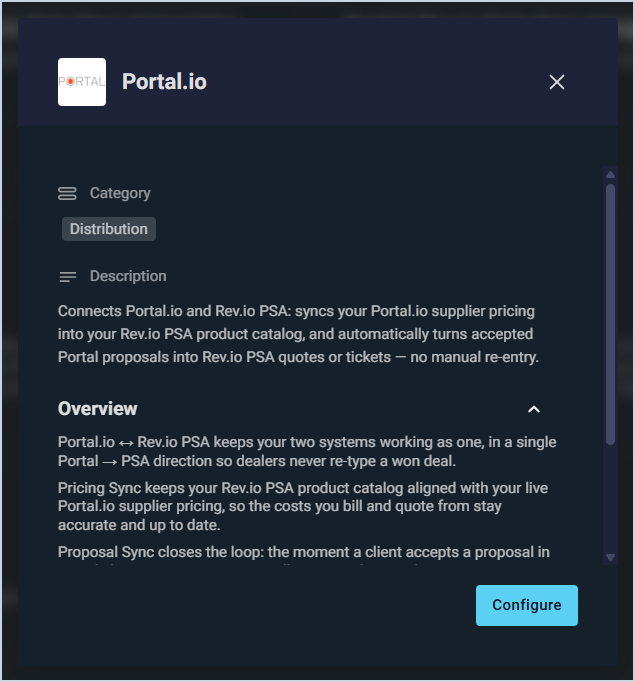
- The Portal.io integration now automatically converts accepted proposals into Rev.io quotes or tickets. When a client accepts a proposal in Portal, the integration identifies the matching customer (or creates one), adds all line items, matches each item to your Rev.io product catalog (creating any products that don't exist yet), and either approves the quote or holds it in Draft for your review. Quotes that require new products are held for review before anything becomes billable, and configurable notifications keep you informed of new customers, new products, and anything requiring attention. An hourly sync ensures no accepted proposal is ever missed or duplicated. This adds to the existing Pricing Sync, which keeps your Rev.io product costs aligned with your live Portal.io supplier pricing.📍Admin > Integrations Library > Marketplace tab > Distribution section. [64753]
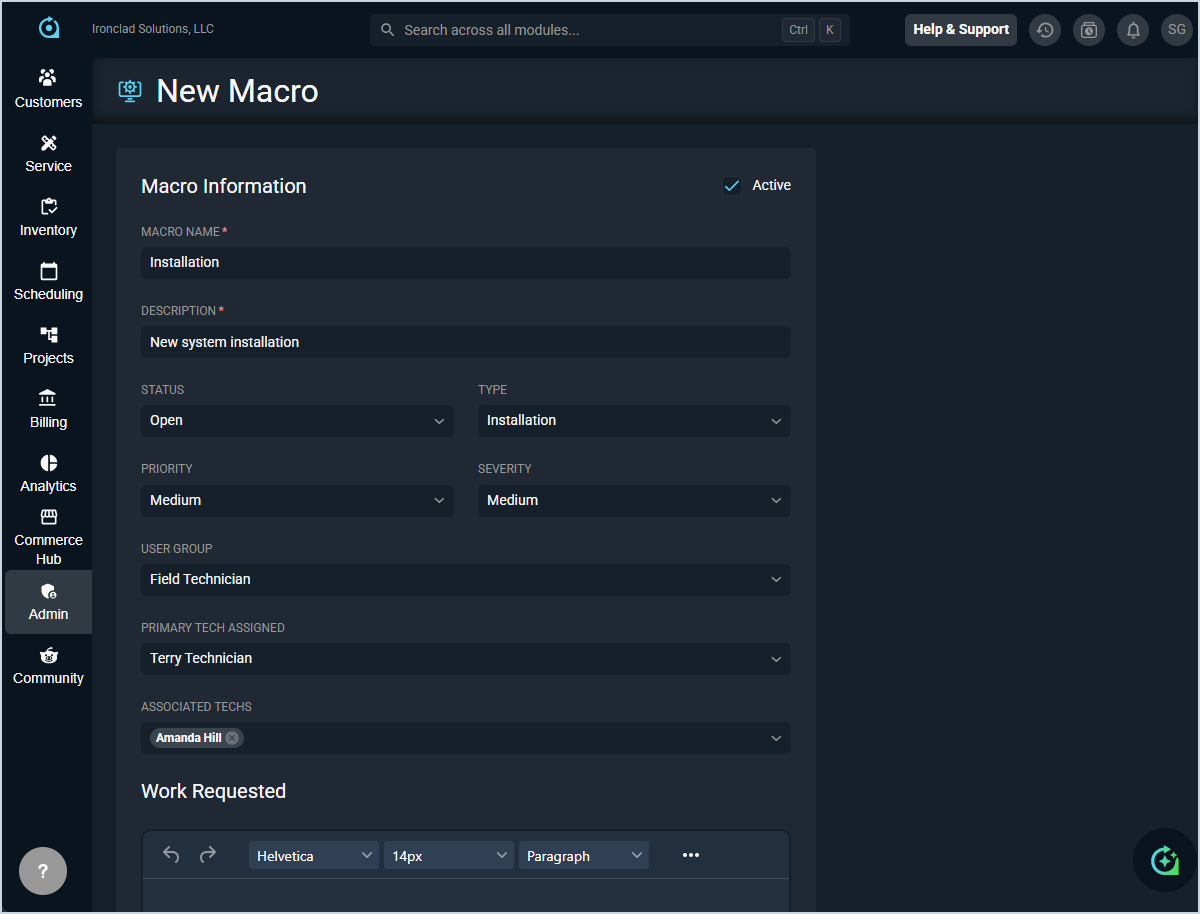
- User groups, primary techs, and associated techs can now be assigned directly within ticket macros, automatically populating these fields when the macro is applied to a new ticket. 📍Admin > System Settings > Macros > New Ticket Macros. [65043]
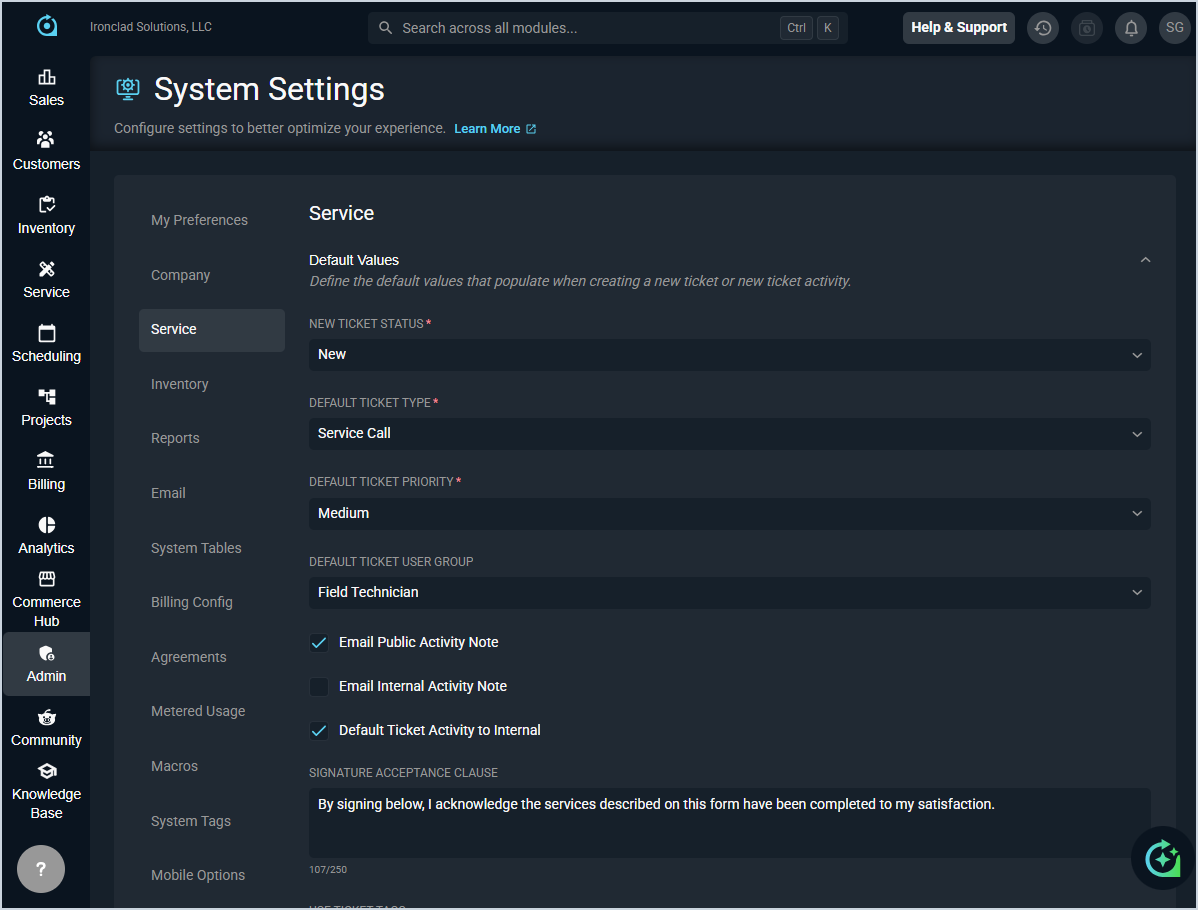
- A default preference can now be set in Service System Settings to automatically display the internal activity tab when viewing tickets. 📍Admin > System Settings > Service. [65091]
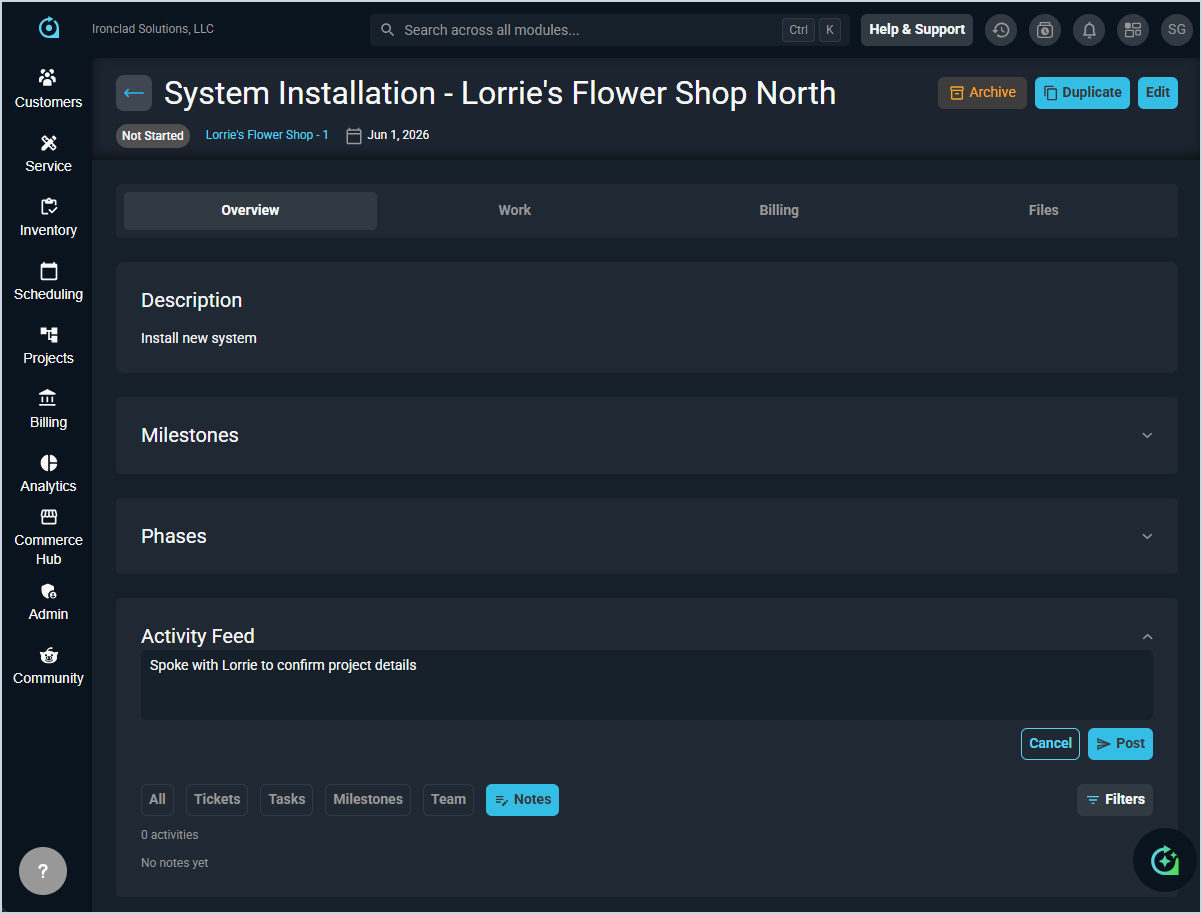
- Notes can now be added and viewed on projects to track important information and communications related to project work.📍Projects > Select a project > Activity Feed section > Notes option. [64662]
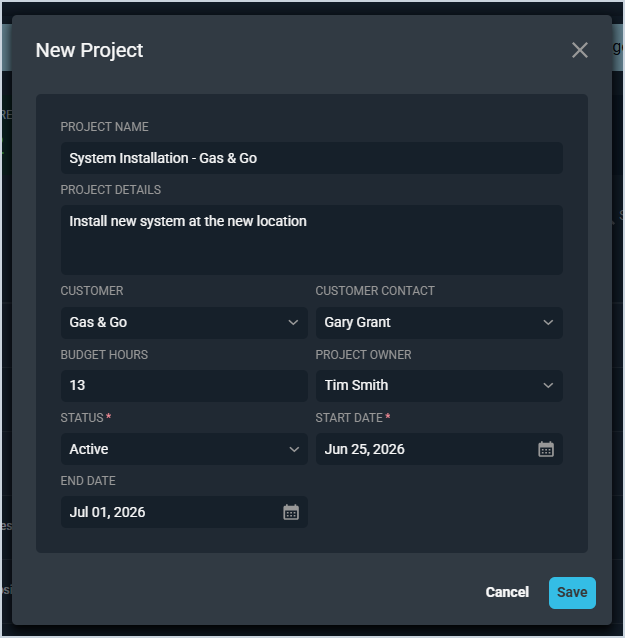
- A project owner can now be assigned directly when creating a new project through the project creation form. 📍Projects > New Project button. [65274]
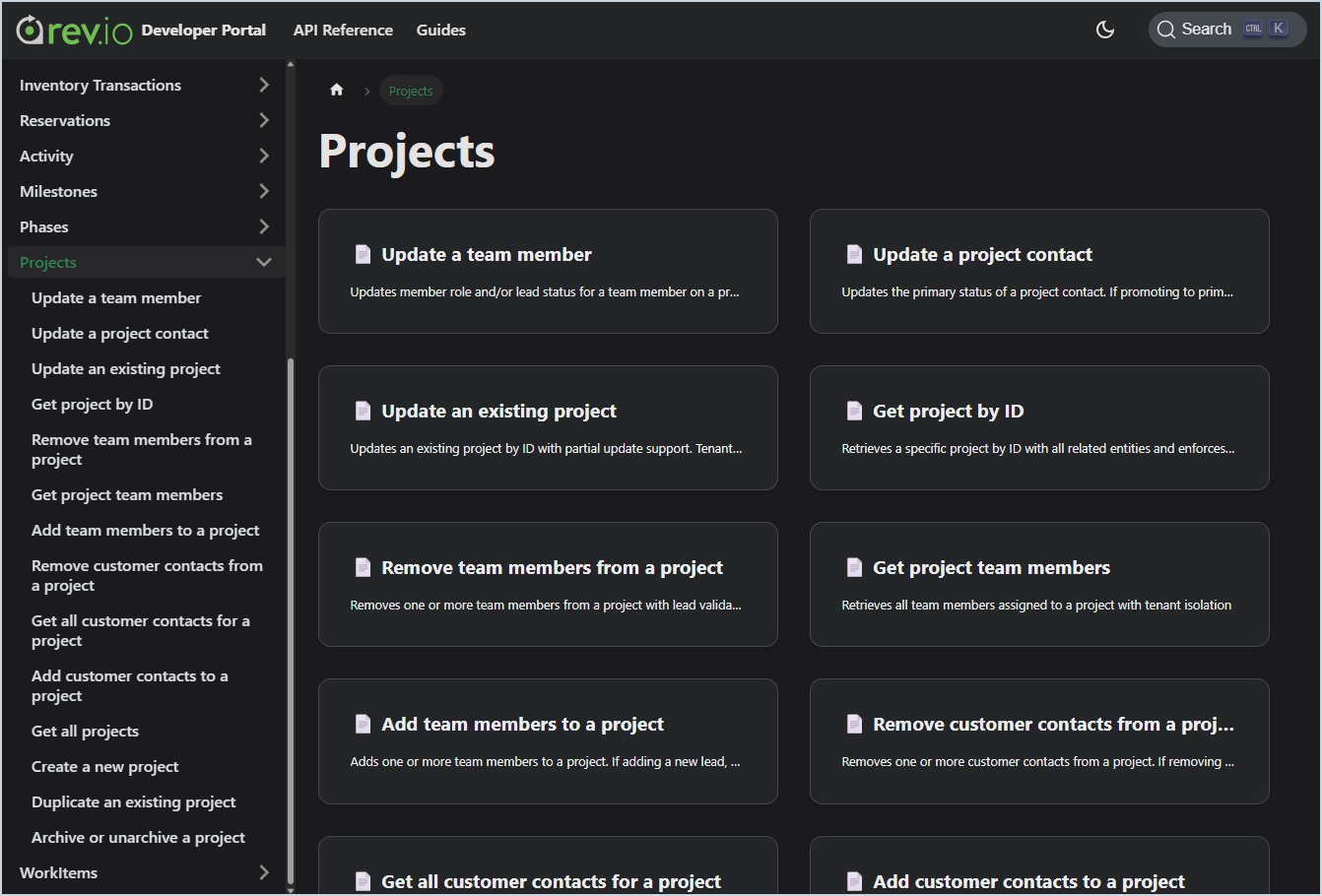
- A comprehensive Project Management API is now available, providing external access to projects, phases, milestones, and work items with full CRUD operations, activity feeds, job costing data, and team member management. 📍Help Center icon in lower left corner > Rev.io Developer Portal > Projects section. [64615]
Updates
- Workflow actions now support longer names and descriptions, matching the character limits available in tasks.📍Admin > Workflows > Action Library tab. [64897]
- The Flow Builder now automatically saves changes to individual fields when editing a flow, with save and cancel buttons appearing only when you begin typing. The active/inactive toggle auto-saves immediately, and the interface remains on the flow view after saving. 📍Admin > Workflows > Flow Builder tab. [64943]
- When selecting a phase with only one route available, the system now automatically selects that route, eliminating an unnecessary selection step. 📍Service > Ticket List > Select a ticket > Workflow tab. [65189]
Bug Fixes
- Package quantities now display correctly on PSA invoices. [64434]
- Descriptions built in the Action Library now correctly transfer to the Notes field when creating tasks during phase execution. [64898]
- Accessing a ticket from the Customers screen and navigating to the Workflow tab no longer results in a 404 error. A 500 error that occurred when reordering actions within a workflow phase after deleting an action has also been resolved. [65003]
- The Customer Portal now respects each client's billing configuration settings, ensuring invoices are generated in the correct format. [65127]
- The Time Entry Reasons section no longer becomes unresponsive when no time entry reasons are configured in the system. [65136]
Mobile Updates
Due to App Store and Google Play approval processes, these updates may take time to appear in the app.
- A GPS-enabled dispatch map is now available in Rev.io Mobile, showing real-time technician locations, scheduled jobs with SLA breach indicators, and optimized routing with distance and time summaries. The map supports filtering by date, user group, technicians, and status, and allows technician assignment and route display without reloading data. [64154]
- A default starting page can now be configured in Rev.io Mobile, with options including Calendar, Customer List, Ticket List, Product Catalog List, and Time Entry List. The preference syncs across all mobile devices. [64813]