
Check out the latest updates in Rev.io as of 6/2/26!
Interested in taking a deep dive on different features in Rev.io? Check out our Power Hour webinar series! New topics are added to the schedule every week.
New Features
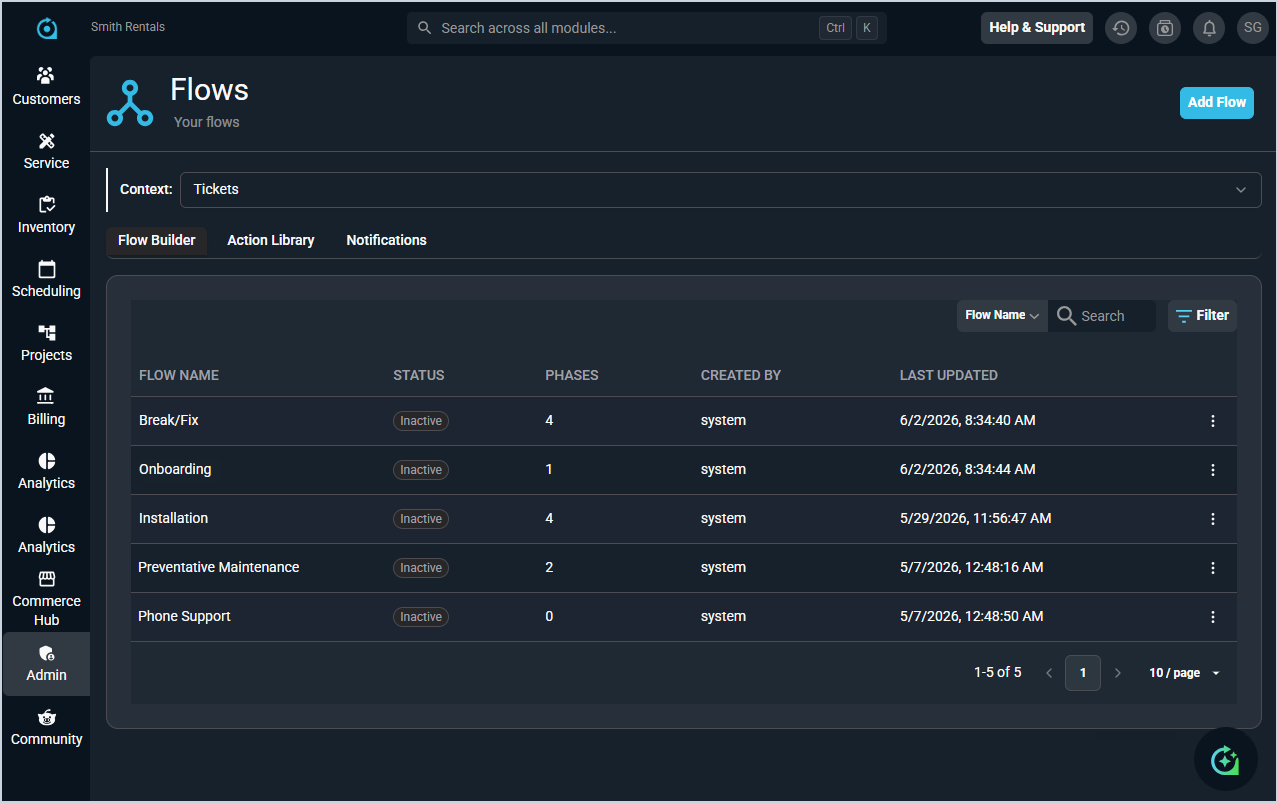
- Our Workflows functionality has been expanded with two new features that allow you to build structured, multi-step processes to guide your team through completing work. What was previously known as Workflows has been renamed Notifications to better reflect their purpose. All existing workflows have been automatically moved to the Notifications tab and will continue to work as before.
Flows are made up of phases, which contain actions and routes. The Action Library is where you create and manage reusable actions that can be added to phases in a flow. Each action represents a task that needs to be completed as part of that phase, like calling the customer. Actions are built once and reused across as many flows as needed. The Flow Builder tab allows you to build flows made up of phases, actions, and routes, and assign them manually to tickets from the new Workflows tab on the ticket detail view.
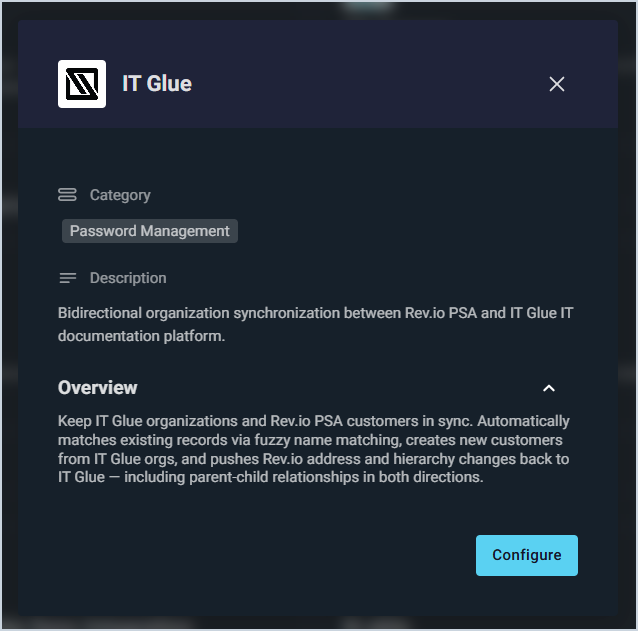
When a flow is assigned, it launches the first phase and creates associated tasks automatically. Gate logic controls when a flow can advance to the next phase, and routes allow you to build non-linear processes that branch based on the outcome of the work. Each flow includes a Visual Map that generates automatically as you build, can be rearranged for clarity, and exported for use outside of Rev.io. - Rev.io now integrates with IT Glue, allowing you to link IT Glue organizations to Rev.io customers, sync Flexible Assets bidirectionally with mapped trait fields, and access IT Glue-stored passwords directly from asset records. A configuration wizard guides you through setup, with syncs running hourly using last-write-wins conflict resolution. [62340]
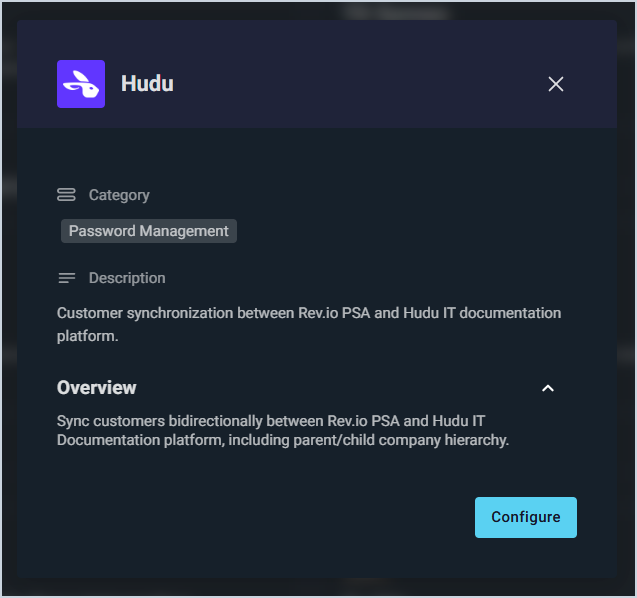
- Rev.io now integrates with Hudu, allowing you to link Hudu companies to customers, sync assets bidirectionally with custom field mapping, and access Hudu-stored passwords directly from within Rev.io PSA. [62359]
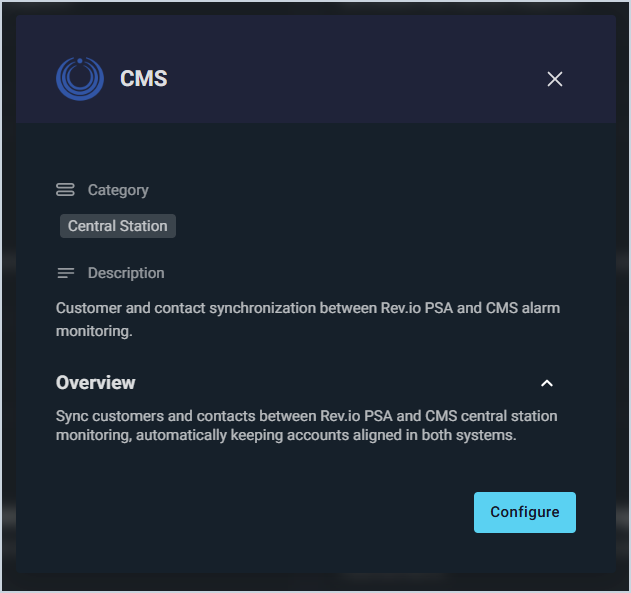
- Rev.io now integrates with CMS, syncing customer accounts and service addresses bidirectionally on an hourly cycle. Emergency contacts flow automatically from CMS into Rev.io, and a two-step setup wizard handles account matching and creation. [62377]
- Rev.io now syncs customer accounts with ConnectWise RMM, automatically matching RMM companies to Rev.io customers by name and keeping account data synchronized with Rev.io as the authoritative source. [62383]
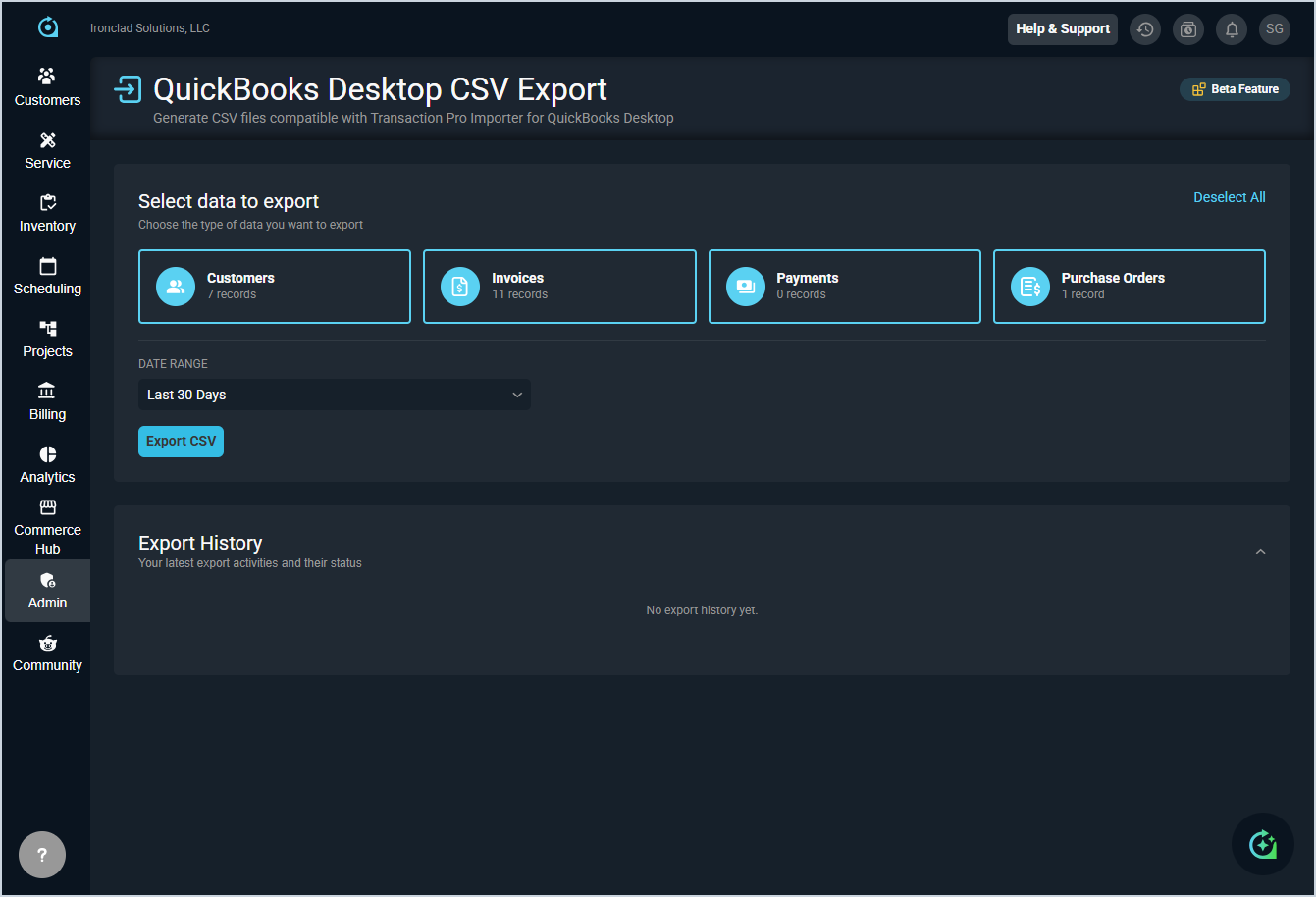
- Customers, invoices, payments, and purchase orders can now be exported from Rev.io as CSV files formatted for QuickBooks Desktop. Navigate to Admin > Bulk Tools > QuickBooks Desktop Export, select your entity types and date range, and download your files. Export history is tracked so you can use Since Last Export for ongoing syncs without duplicating records. [64476]
Updates
- Package quantities can now be set on customer recurring services and on quotes, automatically scaling all products within the package proportionally without needing to adjust individual product quantities. [64309, 64311]
- Inbound emails can now be linked to existing tickets using secondary metadata criteria beyond just the ticket ID in the subject line, helping prevent duplicate ticket creation. [63896]
- The Invoice Management Cycle Option has been moved from the Filters box to the main page toolbar alongside the Search, Filter, and Arrange buttons. [64406]
Bug Fixes
- The product list in the Add Product dialog now loads all products correctly when scrolling and searching. [64125]
- The Activate Date field in the By Customer Activate Service modal now displays dates in MM/DD/YYYY format for consistency with other date fields. [64447]
- Required fields when adding a service to a quote are now clearly indicated, and form validation correctly prevents submission when required fields are empty. [64451]
Mobile Updates
Due to App Store and Google Play approval processes, these updates may take time to appear in the app.
- Rev.io Mobile now includes a universal search feature accessible from the bottom navigation, allowing you to quickly find customers and tickets with filtering by record type and sorting options. [63600]