
Check out the latest updates in Rev.io as of 5/28 /26! NOTE: The release notes are still available directly in Rev.io, but we no longer push in-app notifications.
Interested in taking a deep dive on different features in Rev.io? Check out our new Power Hour webinar series!
New Features
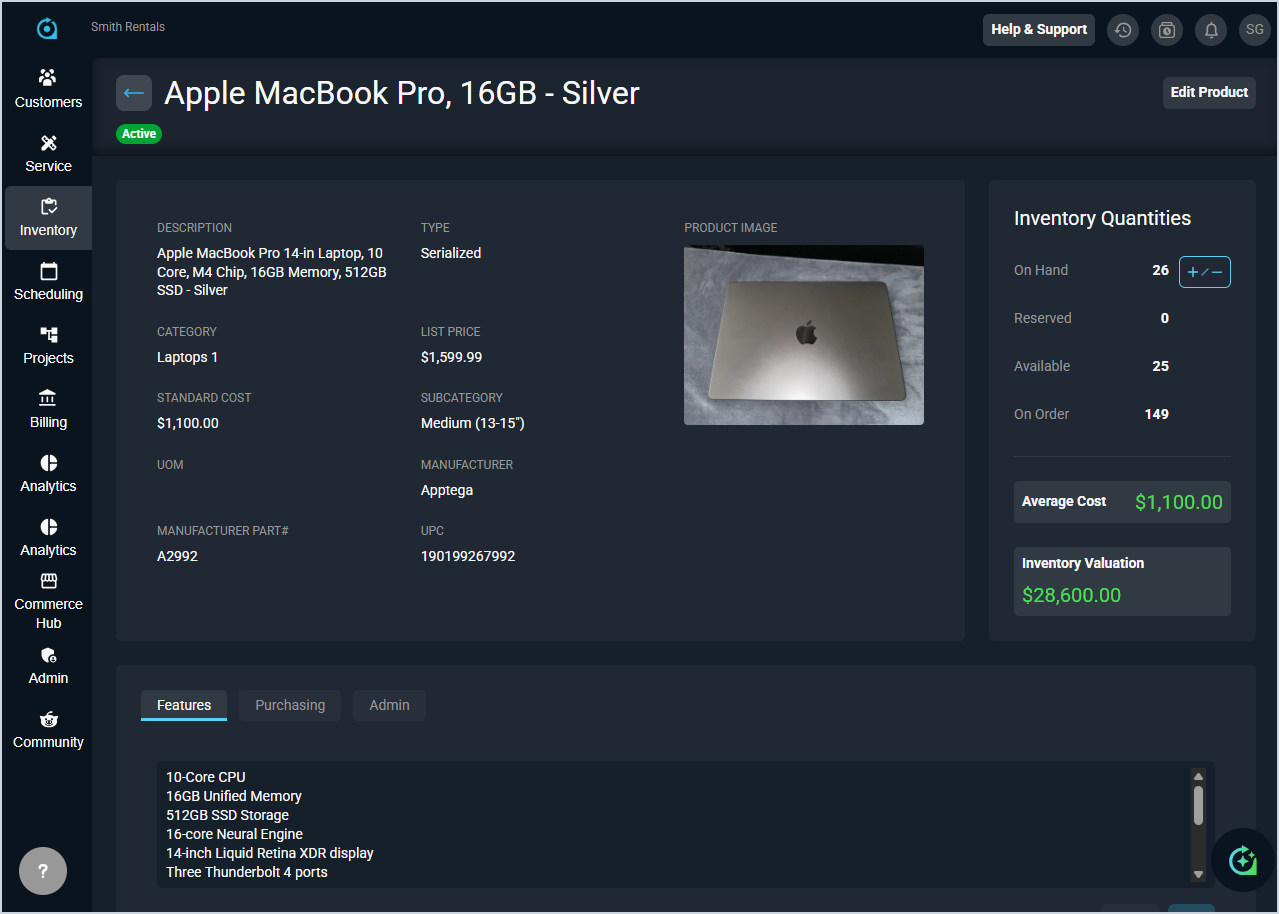
- You can now upload a single image to any product in the Product Catalog for visual reference, and you can replace or remove them at any time. [64108]
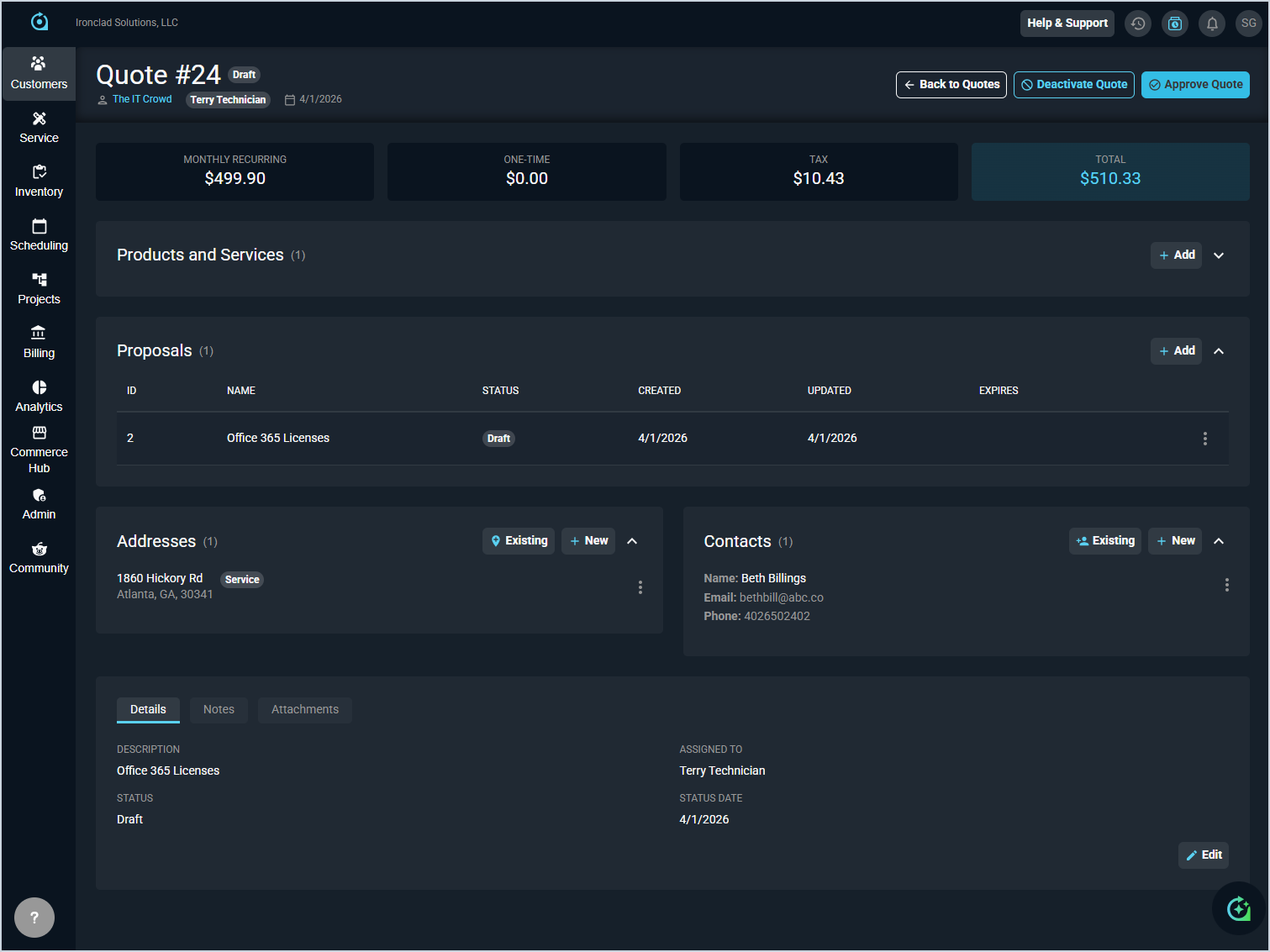
- The updated quoting experience has now been enabled for most customers in Rev.io. Quotes are now built directly within the application for a more streamlined process and better product catalog integration. With this update, Rev.io separates the quoting process into two distinct components: a quote is the record created and managed inside Rev.io, containing the services, products, pricing, and customer details that make up the offer, while a proposal is the customer-facing document generated from that quote and sent to the customer for review and signing.
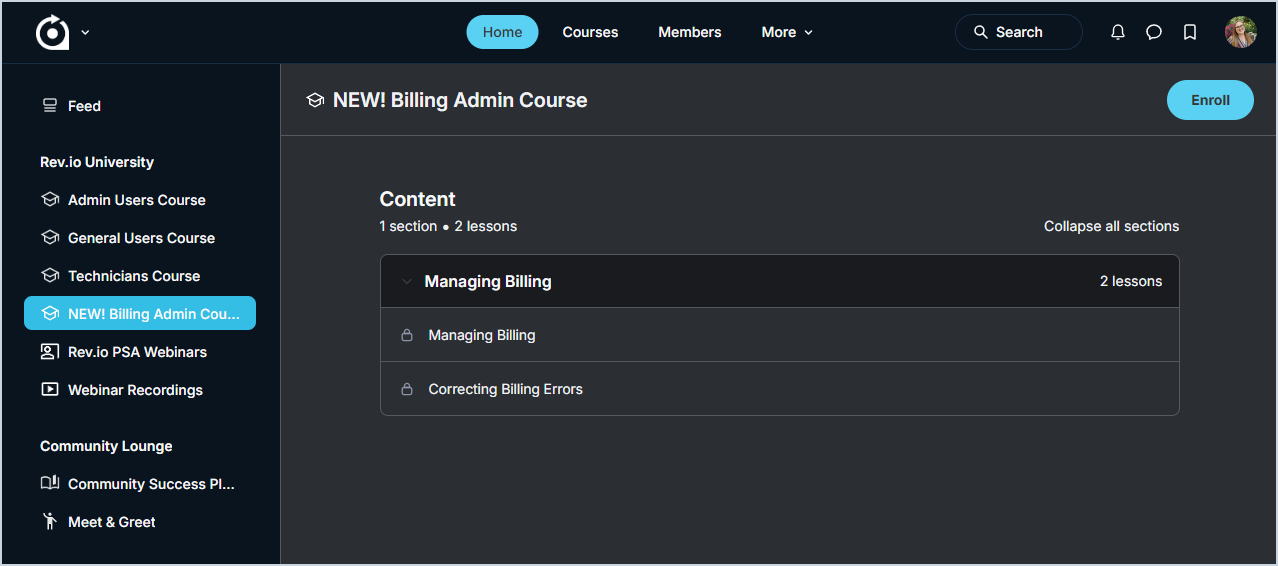
Updates include a new quote creation screen, a new Quote Detail screen, a dedicated Quote List screen, and renamed Proposal Templates (formerly Quote Templates) which can be added and customized when creating new quotes. Existing quotes can be opened in the new quote detail screen for visibility, and new quotes are more streamlined from the start. If you haven't already seen them, take a look at this quick overview video to see what the new screens look like. - A new Billing Admin course is now available in the Rev.io Community, covering key concepts and workflows for users in a billing role. Additional lessons and courses will be added over time. NOTE: If you have previously completed a course and new lessons have been added, they will be visible when you reopen the course.
Updates
- TRX payment transaction activity, settlement totals, and exceptions can now be viewed directly in PSA Web without navigating to legacy pages. The TRX payments reporting section includes Settlement Summary, Credit Card Activity, ACH Activity, and Exceptions pages, with support for multiple MIDs, server-side paging, sorting, and column filtering. [64136]
- Four new tokens are now available for use in workflow notification hyperlinks: psaUrl for your instance URL, psaTicketLink for direct ticket links, customerPortalTicketLink for customer portal ticket access, and customerPortalUrl for the customer portal home page. These tokens can be added to the hyperlink creator on emails to customize the display text of the link. Because replies to workflow SMS notifications are not monitored or processed, these new token options allow recipients to log into the customer portal to view details and respond. If a recipient does reply to a workflow SMS notification, they will receive an automated response indicating that SMS replies are not monitored. [64297]
- A customer's primary phone and fax number now display directly in the Summary section of the Customer Overview screen. [62193]
- Purchase order numbers can now be shown or hidden in the Tickets table when configuring one-time invoice templates in the Billing Config template editor. [63996]
- The ticket detail card now automatically displays in expanded view when opening a ticket. [64109]
- The My Tasks label under Scheduling in the navigation bar has been renamed to Task List. [64119]
Bug Fixes
- Invoice amounts now display correctly, including the Invoice Summary Total Due, Payment Summary Previous Balance, and Total New Charge calculations. [62619]
- Opening a ticket-related time entry from the time entry list in edit mode now correctly displays ticket time reasons, includes the button to create a time log, and shows the customer and ticket detail cards. [64087]
- Date and time stamps on ticket activity cards now display correctly when viewing a ticket on a mobile browser. [64098]
- Ticket descriptions created from inbound emails now display correctly without text corruption. [64134]
- Inbound routing assignments for type and user group now apply correctly when setting up inbound routing. [64167]
- Email formatting now displays correctly when viewing customer communications. [64173]
Mobile Updates
Due to App Store and Google Play approval processes, these updates may take time to appear in the app.
- Cached opportunity lists and detail screens can now be viewed offline in Rev.io Mobile. Offline opportunity data is read-only and limited to previously cached information. [63228]
- Mobile users with the View projects permission can now access a read-only Project Overview and Work tab from a project linked on a ticket, including Gantt view support, search, and filtering. [63237, 63385, 63386]
- Project information is now cached for offline viewing in Rev.io Mobile. When a project is opened while online, all supported sections are automatically cached, allowing you to view project overview, work, and activity data without an internet connection. [63620]