
Check out the latest updates in Rev.io as of 5/14/26! NOTE: The release notes are still available directly in Rev.io, but we no longer push in-app notifications.
New Features
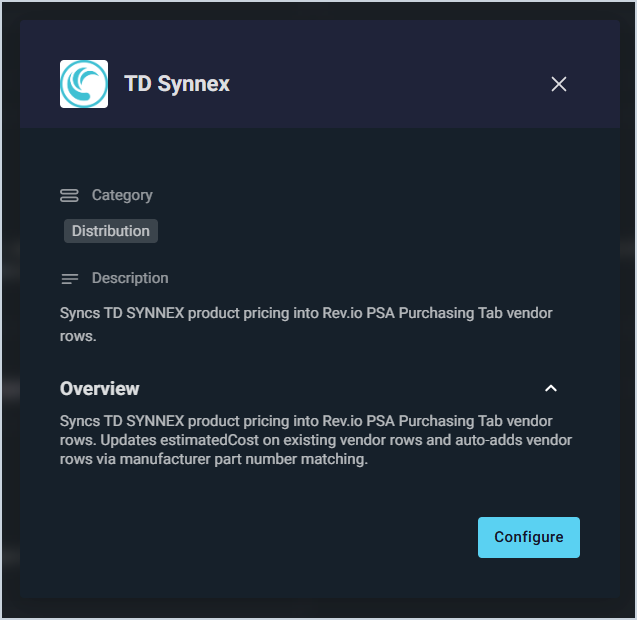
- Rev.io PSA now integrates with TD Synnex to automatically sync product costs daily on the Purchasing tab, updating estimated costs for products that already list TD Synnex as a vendor or adding TD Synnex as a new vendor based on manufacturer part numbers using your negotiated dealer pricing. Setup requires an active TD Synnex EC Express account and whitelisting of Prismatic's outbound IPs before entering credentials in the Configuration Wizard. [62396]
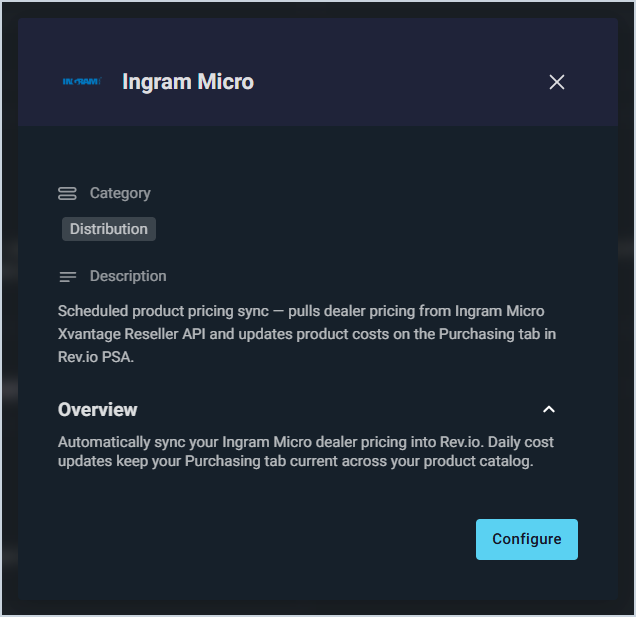
- Rev.io PSA now integrates with Ingram Micro, automatically syncing product costs from the Xvantage Reseller API daily to the Purchasing tab. Pricing updates reflect your negotiated dealer costs and can update existing products or add Ingram Micro as a vendor by manufacturer part number. Setup requires an active Ingram Micro reseller account and registered API credentials, configured through a one-step wizard. [62402]
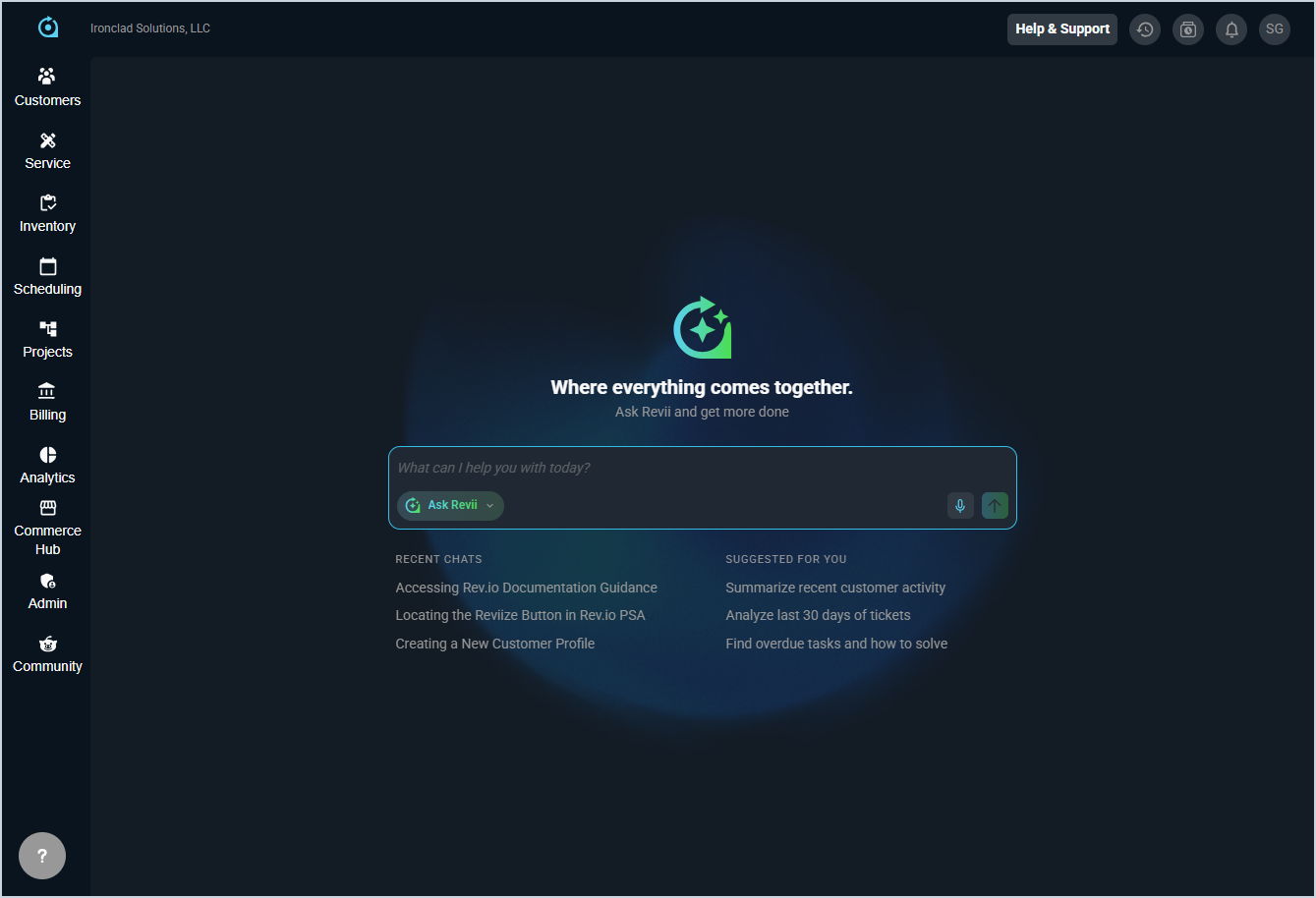
- The home page now features Revii as the central focus, with quick access to recent chats and suggested actions to help you get more done. Your Default Starting Page can be configured in My Preferences under System Settings.
Updates
- Billing administrators can now configure invoice automation behavior on a per-customer basis. Previously, the Create Invoices and Email Invoices automation settings were managed only at the database level through the Admin Billing Configuration screen, applying uniformly to every customer in the system. This update introduces customer-level opt-out controls, giving you the flexibility to tailor invoice automation to different billing arrangements without being constrained by a single system-wide setting. [62864]
- The Projects list can now be filtered by customer or owner using new filter dropdowns, making it easier to find specific projects without manually searching through the full list. [62182]
- The Acronis integration now automatically creates tickets for active Acronis alerts and closes them when the corresponding alert is dismissed in Acronis. The initial sync imports all active alerts from the last 7 days to provide a complete picture of open issues. [62371]
- When right-clicking a ticket in the Ticket List, you can now open it in a new tab using the standard browser link context menu. [63416]
- The signature capture summary on tickets now displays only the ticket activity instead of the full ticket overview, providing a more focused summary of work performed for customer signatures. [63641]
- The Inventory Matrix now displays Product ID and Manufacturer Part Number columns, with the ability to search by either field to quickly filter the matrix. [63770]
- The Tickets Table component in the invoice template editor now displays the column header as Resolution instead of Work Performed. Existing templates continue to work without modification. [63816]
Bug Fixes
- Tickets created from unknown email addresses now correctly save the non-contact email information, ensuring automated workflow emails are sent to those addresses as expected. [63550]
- Tickets created from incoming emails now display the subject line correctly instead of showing garbled symbols or unexpected characters in the brief description field. [63864]
- The quantity column on custom invoices now displays decimal values up to four places when partial quantities are present. [63666]
- The tech/user filter on the time entry list now correctly filters entries when applied. [63687]
- Products with descriptions added through the quote editor are now correctly added to the Products and Services area of the quote when a proposal is converted to a quote. [63347]
Mobile Updates
Due to App Store and Google Play approval processes, these updates may take time to appear in the app.
- Customer notes can now be flagged to display as pop-up notifications when accessing a customer account in Rev.io Mobile. Users with appropriate permissions can dismiss alerts for themselves or for all users, and flagged notes are indicated with a visual marker in the notes list. [60774]
- Asset custom fields can now be viewed and edited in Rev.io Mobile, including text, number, date, datetime, dropdown, multi-select, and boolean field types. Custom fields appear in the Additional Information section on the Asset Detail and Edit Asset screens, following the order configured in Assets Layouts. [60918]
- Customers can now be edited directly from Rev.io Mobile with two entry points: swipe left on any customer in the list for the full edit screen, or tap Edit from the customer overview for a streamlined set of fields. [61634]
- Contact information can now be edited directly from Rev.io Mobile using a structured form that pre-fills with existing data and validates required fields before saving. [61635]
- Customer tags can now be added and deleted from Rev.io Mobile, with the option to select from predefined system tags or create custom tags with personalized labels and colors. [61636]
- Customer notes can now be viewed, created, edited, and deleted from the mobile Customer Detail screen. Notes display in an expandable section with swipe actions for quick editing or deletion. [61639]
- Managed asset information now displays in the summary section of the asset screen in Rev.io Mobile, including a managed badge and the service provider name when an asset is managed by a provider. [62998]
- Unposted transactions can now be viewed and managed from the Customer Profile in Rev.io Mobile via a new Unposted Transactions tab. Swipe left on any transaction to invoice or reverse it based on your permissions, and use the Rebill Customer button to trigger a rebilling process with custom date ranges and service selections. [63061]
- A new Contracts section under the Servicing tab on mobile displays contracts in a card-based list with Contract ID, Basis, Description, and Status, with expandable cards showing additional details including Type, Start Date, and End Date. [63063]
- A new Contract Details screen in Rev.io Mobile provides comprehensive contract information including contract rates, billing parameters, documentation, ticket history, parts and labor history, and time logged sections. [63111]
- Customer assets can now be added and edited from Rev.io Mobile, including service dates, provider information, device specifications, and asset status. [63698]